
Email Deliverability · Inbox Placement · Email Marketing · Sender Reputation · Email Testing
Inbox Placement Testing 101: Inbox vs. Spam
· InboxPlacement.io Team
Updated
Introduction
You've crafted the perfect email campaign. The subject line is compelling, the content is valuable, and your call-to-action is irresistible. But there's one problem: 73% of your emails land in spam folders, and your subscribers never see them.
This isn't a hypothetical scenario—it's the reality for many businesses struggling with email deliverability. According to industry data, the average inbox placement rate across all industries is only 84%, meaning 1 in 6 legitimate emails never reaches the intended recipient.
Inbox placement testing is your solution. In this comprehensive guide, you'll learn how to test where your emails land, identify deliverability issues, and optimize your campaigns for maximum inbox placement.
What is Inbox Placement Testing?
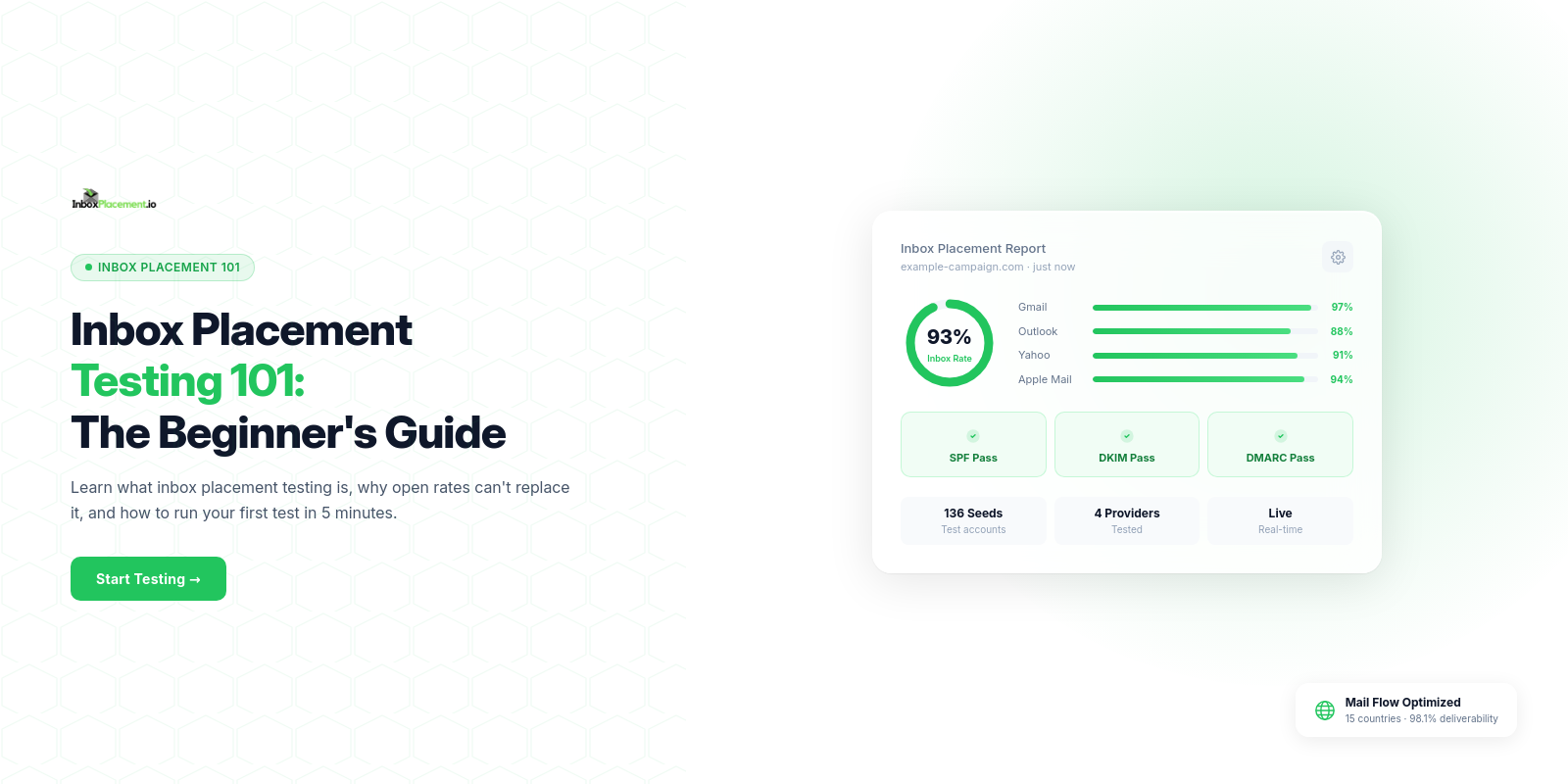
Inbox placement testing (also called "seed list testing") is the process of sending test emails to a network of real mailboxes across major email providers and measuring where they land:
- Inbox: The primary folder—your goal destination
- Promotions/Social Tab: Gmail's categorization system
- Spam/Junk: Filtered as unwanted
- Not Delivered: Blocked entirely
Instead of guessing whether your emails reach subscribers, inbox placement testing gives you precise data showing how Gmail, Outlook, Yahoo, and other providers handle your messages.
Why Inbox Placement Matters for Your Business
The Inbox Placement Crisis
Industry benchmarks reveal troubling trends:
- Gmail: 95% average inbox placement (best performer)
- Microsoft Outlook: 75.6% (lowest among major providers)
- Yahoo: 88% inbox placement
- Overall Average: 84% across all providers
If you're sending 10,000 emails per campaign with an 84% inbox rate, 1,600 subscribers never see your message—even though they opted in and want to hear from you.
The ROI Impact
Email marketing delivers an average $36 ROI for every $1 spent, but only when emails reach the inbox. Consider this example:
Scenario A: 70% Inbox Placement
- Campaign sent to 50,000 subscribers
- Only 35,000 reach inbox
- 20% open rate = 7,000 opens
- 5% click rate = 350 clicks
- 2% conversion rate = 7 sales
Scenario B: 95% Inbox Placement (After Optimization)
- Campaign sent to 50,000 subscribers
- 47,500 reach inbox
- 20% open rate = 9,500 opens
- 5% click rate = 475 clicks
- 2% conversion rate = 9.5 sales (35% increase!)
Improving inbox placement from 70% to 95% can increase revenue by 35% without changing anything else about your campaign.
How Inbox Placement Testing Works
The Technical Process
-
Seed List Creation: Generate a list of test mailboxes across major providers (Gmail, Outlook, Yahoo, AOL, iCloud, etc.)
-
Test Email Delivery: Send your actual campaign content to these seed addresses
-
IMAP Monitoring: Automated systems connect to each mailbox via IMAP and check:
- Did the email arrive?
- Which folder did it land in?
- How long did delivery take?
-
Authentication Analysis: The system checks:
- SPF alignment
- DKIM signatures
- DMARC compliance
- Domain reputation
- Content spam triggers
-
Detailed Reporting: You receive a comprehensive report showing:
- Overall inbox placement percentage
- Provider-by-provider breakdown
- Authentication pass/fail status
- Spam score analysis
- Actionable recommendations
Real-Time vs. Campaign Testing
Campaign Testing (Pre-Send):
- Send a test before your actual campaign
- Identify and fix issues before sending to your full list
- Prevent deliverability disasters
Ongoing Monitoring:
- Test regularly (weekly/monthly)
- Track sender reputation trends over time
- Catch deliverability degradation early
The Top 10 Factors Affecting Inbox Placement
1. Sender Reputation (Domain & IP)
Email providers assign a "reputation score" to your sending domain and IP address based on:
- Spam complaint rate (target: <0.1%)
- Bounce rate (target: <2%)
- Engagement metrics (opens, clicks, replies)
- Sending volume consistency
- Blacklist status
How to improve it:
- Clean your email list regularly (remove inactive subscribers)
- Implement double opt-in
- Make unsubscribe easy and prominent
- Send consistently (avoid sudden volume spikes)
- Monitor blacklist status weekly
2. Email Authentication (SPF, DKIM, DMARC)
Proper authentication signals to ISPs that your emails are legitimate:
- SPF (Sender Policy Framework): Authorizes your sending IPs
- DKIM (DomainKeys Identified Mail): Cryptographically signs your emails
- DMARC (Domain-based Message Authentication): Ties SPF/DKIM together with a policy
Gmail/Yahoo Requirement (2024+): Bulk senders (5,000+ emails/day) must have all three configured correctly.
How to check:
- Use InboxPlacement.io's Domain Forensic Scan
- Verify records with MXToolbox or DMARC checker tools
- Test actual email headers for authentication results
3. Content & Spam Triggers
Spam filters analyze your email content for suspicious patterns:
High-Risk Elements:
❌ ALL CAPS SUBJECT LINES ❌ Excessive exclamation marks!!! ❌ Phrases like "Free money," "Act now," "Limited time" ❌ Misleading subject lines ❌ Image-only emails (no text) ❌ Broken HTML or excessive styling ❌ Shortened URLs (bit.ly, tinyurl) ❌ Attachments (especially .zip, .exe files)
Best Practices:
✓ Use personalization (first name, company) ✓ Write conversational subject lines ✓ Maintain 60:40 text-to-image ratio ✓ Include plain text version ✓ Use full, branded URLs ✓ Avoid spammy keywords
4. List Quality & Engagement
ISPs track how recipients interact with your emails:
Positive Signals:
✓ Opens within first 24 hours ✓ Clicks on links ✓ Replies to emails ✓ Moving email from spam to inbox ✓ Adding sender to contacts
Negative Signals:
❌ Immediate deletes without opening ❌ Spam complaints ❌ Moving to spam folder ❌ No interaction over multiple campaigns
How to improve engagement:
- Segment your list (send relevant content to specific groups)
- Re-engagement campaigns for inactive subscribers
- Remove chronically unengaged contacts (6+ months no opens)
- A/B test subject lines and send times
5. Sending Infrastructure
Your email sending setup matters:
Dedicated IP vs. Shared IP:
- Shared IP: Your reputation affected by other senders on same IP (good for low volume: <50k emails/month)
- Dedicated IP: Full control over reputation (required for high volume: 50k+ emails/month)
IP Warm-Up:
New IPs start with zero reputation. Gradually increase sending volume over 30-60 days.
Example schedule:
- Week 1: 500 emails/day
- Week 2: 2,000 emails/day
- Week 3: 5,000 emails/day
- Week 4-6: Scale to full volume
6. List Hygiene
Bad email addresses destroy your sender reputation:
Types of Bad Contacts:
- Hard bounces: Invalid/non-existent addresses (remove immediately)
- Soft bounces: Temporary issues (remove after 3-5 consecutive bounces)
- Spam traps: Abandoned addresses reactivated to catch spammers
- Typos: common@gmial.com instead of gmail.com
Hygiene Best Practices:
- Validate new subscribers in real-time (check syntax and domain)
- Use email verification services quarterly
- Monitor bounce rates closely (investigate if >2%)
- Remove inactive subscribers (12+ months no opens)
Being listed on a sending blacklist can override everything else and block delivery entirely. See our IP Blacklist Check guide for how to detect and remove your IP from blocklists before they damage your inbox placement rate.
7. Subscriber Consent & Permission
How you acquired email addresses affects deliverability:
High Risk:
❌ Purchased lists (99% spam trap rate) ❌ Scraped contacts from websites ❌ Pre-checked opt-in boxes ❌ Shared/rented lists
Best Practice:
✓ Double opt-in (confirm via email) ✓ Clear opt-in forms ✓ Set expectations during signup ✓ Remind recipients why they're receiving emails
8. Email Frequency & Consistency
Erratic sending patterns trigger spam filters:
What to Avoid:
- Sending only once every 6 months
- Sudden volume spikes (0 to 50,000 emails overnight)
- Inconsistent "from" names/addresses
- Changing sending domains frequently
Best Practices:
- Maintain consistent schedule (weekly, bi-weekly, monthly)
- Gradually increase volume (10-15% per week max)
- Use same "from" address and name
- Warm up new domains before high-volume sends
9. Technical Infrastructure
Backend technical issues can silently kill deliverability:
DNS Configuration:
- Proper SPF, DKIM, DMARC records (covered earlier)
- Valid reverse DNS (PTR record)
- Clean WHOIS data
- No DNS blacklisting
Email Headers:
- Proper message-ID format
- Valid return-path address
- Correct MIME encoding
- No suspicious routing
Infrastructure Monitoring:
- SSL/TLS encryption for SMTP
- Dedicated subdomain for marketing emails (newsletter.yourbrand.com)
- Separate transactional and marketing sending streams
10. Provider-Specific Requirements
Major ISPs have unique filtering criteria:
Gmail:
- Heavily weights user engagement
- Aggressive promotions tab filtering
- Favors authenticated senders
- Quick to penalize sudden volume spikes
Microsoft (Outlook/Hotmail):
- Strictest spam filtering
- Low engagement tolerance
- Requires SNDS (Smart Network Data Services) registration for high volume
- Slower to build reputation
Yahoo:
- Strong authentication requirements
- Values consistent sending patterns
- Aggressive complaint feedback loop
- Requires proper DMARC implementation
How to Run Your First Inbox Placement Test
Step 1: Choose Your Testing Method
Option A: Manual Seed List
- Create mailboxes at Gmail, Outlook, Yahoo, etc.
- Send test email to all addresses
- Manually check each inbox
Pros: Free Cons: Time-consuming, limited accuracy, can't access all providers
Option B: Professional Testing Service
- Use InboxPlacement.io or similar platform
- Automated IMAP monitoring across 30+ mailboxes
- Detailed authentication and content analysis
Pros: Fast, accurate, comprehensive data Cons: Costs credits (InboxPlacement.io: starts at $9.99/month for 3 tests)
For a deeper look at what professional inbox placement tests measure and how to act on results, see the complete inbox placement testing guide.
Teams comparing testing providers can also review the practical differences in our GlockApps alternative comparison and InboxAlly alternative comparison.
Step 2: Prepare Your Test Email
Use the exact content you plan to send:
- Same subject line
- Same from name/address
- Same HTML/text content
- Same links and images
- Same sending infrastructure
Don't use generic "test" emails—results won't reflect your actual campaign.
Step 3: Conduct the Test
For InboxPlacement.io:
- Log into your account
- Navigate to Inbox Placement Testing
- Click "Create New Test"
- Note the unique test email address
- Send your campaign email to that address (using your actual ESP/sending tool)
- Wait 5-15 minutes for results
Step 4: Analyze Your Results
Review your inbox placement report:
Overall Score:
- 95-100%: Excellent (maintain current practices)
- 85-94%: Good (minor optimization needed)
- 75-84%: Fair (significant issues to address)
- Below 75%: Poor (major deliverability problems)
Provider Breakdown:
- Identify which ISPs are filtering your emails
- Focus optimization efforts on problem providers
Authentication Status:
- Check SPF, DKIM, DMARC pass/fail
- Fix any authentication failures immediately
Content Analysis:
- Review spam trigger warnings
- Identify problematic phrases or elements
- Calculate spam score (aim for <5/10)
Step 5: Fix Identified Issues
Based on your results:
If authentication fails:
- Update DNS records (SPF, DKIM, DMARC)
- Wait 24-48 hours for DNS propagation
- Retest to confirm
If content triggers spam filters:
- Rewrite subject line (avoid spam trigger words)
- Add more text content (improve text-to-image ratio)
- Replace shortened URLs with full links
- Simplify HTML formatting
If reputation is low:
- Pause sending temporarily
- Clean your email list
- Implement re-engagement campaign
- Resume with gradual volume increase
Step 6: Retest & Monitor
After making fixes:
- Wait 48-72 hours
- Run another inbox placement test
- Compare before/after results
- Continue optimizing until you achieve 95%+ inbox rate
Ongoing Monitoring:
- Test every new campaign type
- Monthly tests to track trends
- Quarterly comprehensive audits
Advanced Inbox Placement Optimization Strategies
Strategy #1: Segment Your List for Better Engagement
Instead of sending the same email to everyone:
Engagement-Based Segmentation:
- Super engaged (opened last 3 emails): Send 2x per week
- Moderately engaged (opened 1 of last 3): Send 1x per week
- Low engagement (no opens in 30 days): Re-engagement campaign
- Inactive (no opens in 90 days): Suppression list (don't send)
Result: Higher overall engagement improves sender reputation with ISPs.
Strategy #2: Implement a Sunset Policy
Automatically remove chronically unengaged subscribers:
Example Sunset Workflow:
- After 60 days no opens: Tag as "inactive"
- Send re-engagement campaign ("We miss you! Still interested?")
- If no response after 30 days: Move to suppression list
- Do not email again unless they re-opt-in
Why it works: Removes dead weight dragging down engagement metrics.
Strategy #3: Use Preference Centers
Let subscribers control their email experience:
- Frequency options: Daily, weekly, monthly
- Content topics: Product updates, blog posts, promotions
- Email format: HTML, plain text, digest
Result: Higher satisfaction = fewer spam complaints = better inbox placement.
Strategy #4: A/B Test Everything
Continuously optimize for engagement:
Test Variables:
- Subject lines (personalized vs. generic)
- Send times (morning vs. afternoon)
- From names (personal vs. company)
- Content format (text-heavy vs. image-heavy)
- CTA placement (top vs. bottom)
Measure Impact:
- Open rates
- Click rates
- Spam complaints
- Unsubscribe rates
- Inbox placement (the ultimate metric)
Strategy #5: Monitor Deliverability Metrics Weekly
Set up dashboards tracking:
- Inbox placement rate: Goal 95%+
- Bounce rate: Goal <2%
- Spam complaint rate: Goal <0.1%
- Open rate trend: Watch for sudden drops
- Blacklist status: Check weekly
Early warning signs:
- Inbox placement drops below 90%
- Bounce rate exceeds 3%
- Open rates decline 20%+ week-over-week
- New blacklist listings
Inbox Placement Testing Best Practices
-
Test Before Every Major Campaign: Catch issues before sending to your full list
-
Use Real Content: Don't test with generic "Hello world" emails
-
Test Across All Major Providers: Focus on Gmail, Outlook, and Yahoo (80%+ market share)
-
Monitor Trends Over Time: One bad test doesn't mean disaster—track long-term trends
-
Act on Results Quickly: Don't ignore warnings—fix issues immediately
-
Combine with Spam Testing: Inbox placement + spam score = complete picture
-
Document Changes: Track what you changed and how it affected results
Common Inbox Placement Questions
Q: How often should I test inbox placement? A: Minimum monthly for regular senders. Test every new campaign type, and immediately if you notice deliverability issues.
Q: Why do my test results differ from actual campaign performance? A: Possible reasons include sending volume differences, recipient engagement history, or testing at different times of day.
Q: Can I improve inbox placement overnight? A: Major improvements take weeks. Authentication fixes show results in 48-72 hours. Reputation rebuilding takes 30-90 days.
Q: What's a "good" inbox placement rate? A: 95%+ is excellent. 85-94% is acceptable. Below 85% requires immediate attention.
Q: Should I use a dedicated IP or shared IP? A: Shared IP for <50k emails/month. Dedicated IP for higher volume (requires warm-up).
Conclusion: Master Inbox Placement to Maximize Email ROI
Email marketing only works when your messages reach the inbox. With inbox placement testing, you gain complete visibility into how ISPs handle your emails and can optimize for maximum deliverability.
By following the strategies in this guide, you can:
✓ Achieve 95%+ inbox placement rates ✓ Increase email ROI by 30-50% ✓ Reduce spam complaints and bounces ✓ Build strong sender reputation ✓ Ensure compliance with Gmail/Yahoo requirements
Don't leave your email deliverability to chance. Try InboxPlacement.io to test your emails across 30+ mailboxes and get actionable recommendations to improve inbox placement. Plans start at just $9.99/month.
Related Resources
- DMARC Monitoring Complete Tutorial
- Email Spam Score Checker: Test & Improve Your Spam Score
- IP Blacklist Check: Why Your Email Sending Reputation Matters
- Inbox Placement Test: Maximize Email Deliverability in 2025
- Domain Forensic Scan: Check Your Email Authentication