
Email Deliverability · Inbox Placement · Email Testing · Best Practices
Inbox Placement Test: Maximize Email Deliverability in 2025
· InboxPlacement Team
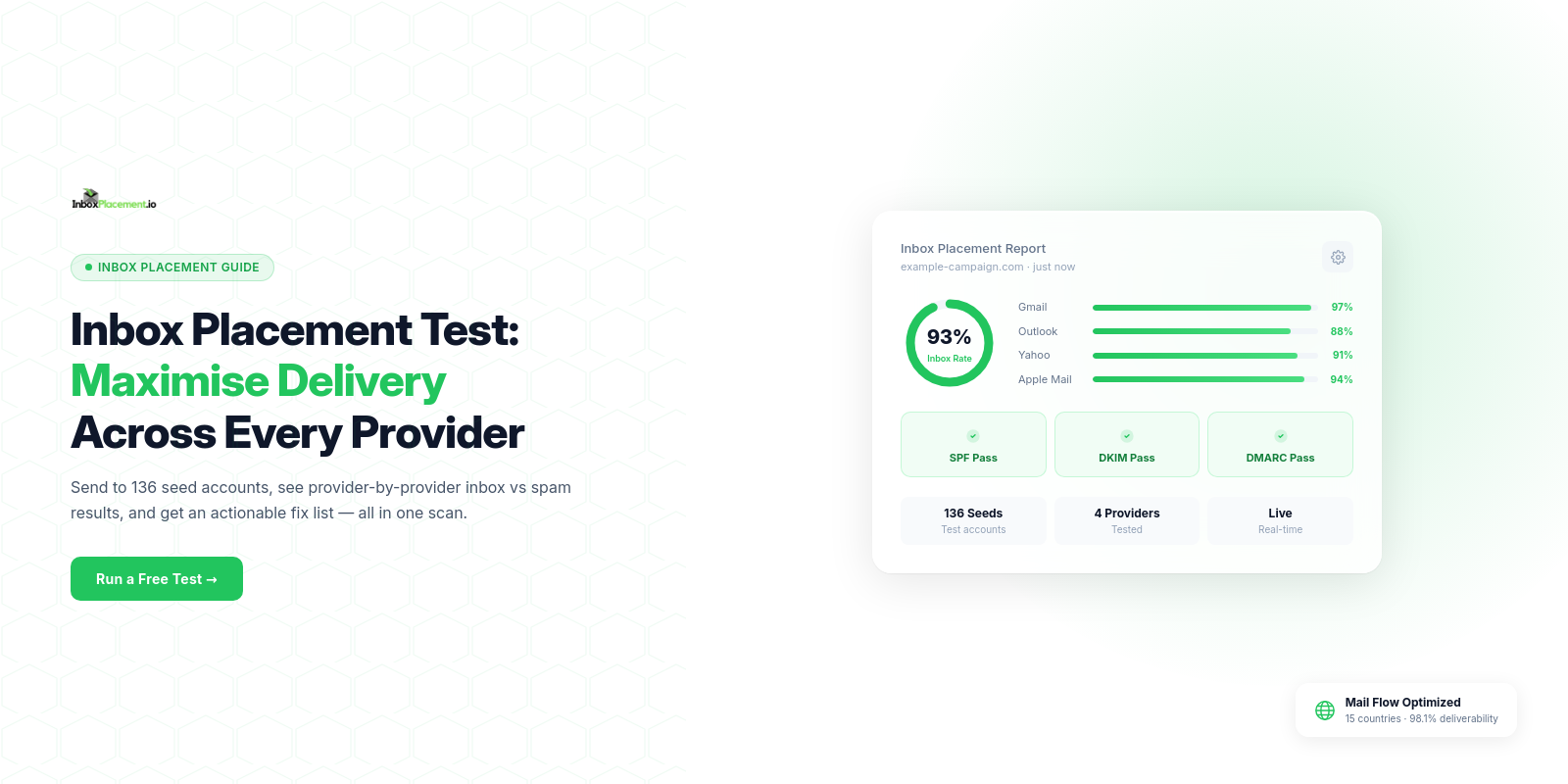
Are your carefully crafted emails actually reaching your subscribers' inboxes? Without an inbox placement test, you're flying blind. Industry data shows that only 84% of legitimate emails reach the inbox on average—meaning 16% of your campaigns vanish into spam folders.
What is an Inbox Placement Test?
An email deliverability test sends your message to a network of real mailboxes across Gmail, Outlook, Yahoo, and other providers, then monitors exactly where they land:
- Inbox (your goal: 95%+)
- Promotions/Social tabs (Gmail categorization)
- Spam/Junk folders (filtered)
- Blocked entirely (never delivered)
Instead of guessing, you get precise data showing how to check if emails land in inbox or spam before sending to your entire list.
Why Inbox Placement Testing Matters in 2025
The ROI Impact:
Improving inbox placement from 75% to 95% can increase email revenue by 27% without changing your campaign content.
Example scenario:
- 50,000 subscribers
- 75% inbox rate = 37,500 reach inbox
- 95% inbox rate = 47,500 reach inbox
- That's 10,000 more customers seeing your message
Provider Differences:
- Gmail: 95% average inbox rate (best performer)
- Yahoo: 88% inbox rate
- Microsoft Outlook: 75.6% (requires extra attention)
Top 5 Factors Affecting Inbox Placement
1. Email Authentication (SPF, DKIM, DMARC)
Gmail and Yahoo now require authentication for bulk senders (5,000+ emails/day). Missing records = spam folder.
2. Sender Reputation
ISPs track your spam complaint rate (target: <0.1%) and bounce rate (target: <2%). Poor reputation kills deliverability instantly.
3. Content Quality
Avoid spam triggers:
❌ ALL CAPS subject lines
❌ "Free money," "Act now," "Limited time"
❌ Image-only emails
✓ Natural language, 60:40 text-to-image ratio
4. List Hygiene
Remove invalid addresses, spam traps, and inactive subscribers. Bad contacts destroy sender reputation.
5. Engagement Metrics
Opens, clicks, and replies signal quality to ISPs. Deletes and spam reports are death sentences.
How to Run an Inbox Placement Test (3 Steps)
Step 1: Choose Your Testing Tool
Professional services like InboxPlacement.io monitor 30+ real mailboxes automatically—far more accurate than manually checking a few Gmail accounts.
Step 2: Send Your Actual Campaign
Use real subject lines, content, links, and images. Send from your production email platform to the unique test address provided.
Step 3: Analyze & Optimize
Your report shows:
- Overall inbox rate by provider
- Authentication pass/fail status
- Content spam triggers identified
- Actionable recommendations
Fix authentication failures within 24-48 hours. Adjust content immediately. Retest before sending to your full list.
Best Practices for 2025
Test Before Every Major Campaign
One test can prevent 16% of your emails from disappearing into spam—easily worth the small investment.
Monitor Monthly Trends
Track inbox rates over time. A drop from 92% to 75% signals reputation issues requiring immediate action.
Segment by Engagement
Send to highly engaged subscribers first. Their positive signals (opens, clicks) build momentum for the full campaign.
Fix Issues Immediately
Don't ignore warnings. Missing DMARC or high spam scores will tank your deliverability for weeks.
Common Questions
Q: What's a good inbox placement rate?
A: 95%+ is excellent. 85-94% is acceptable. Below 85% requires urgent fixes.
Q: How often should I test?
A: Monthly for regular senders. Before every new campaign type. Immediately if open rates drop suddenly.
Q: Can I test with free tools?
A: Manual testing (creating mailboxes yourself) misses critical data. Professional tools provide comprehensive provider coverage.
Conclusion
Inbox placement testing transforms guesswork into data. Know exactly where your emails land, fix deliverability issues before they cost you revenue, and consistently achieve 95%+ inbox rates.
Want automated inbox placement reports? Start your InboxPlacement.io test in 30 seconds. Get detailed analytics across Gmail, Outlook, Yahoo, and 27+ other providers for just $9.99/month.