
Spam Score · Email Testing · Email Deliverability · Spam Analyzer
Spam Score Analyzer: Fix Issues Fast
· InboxPlacement.io Team
Updated
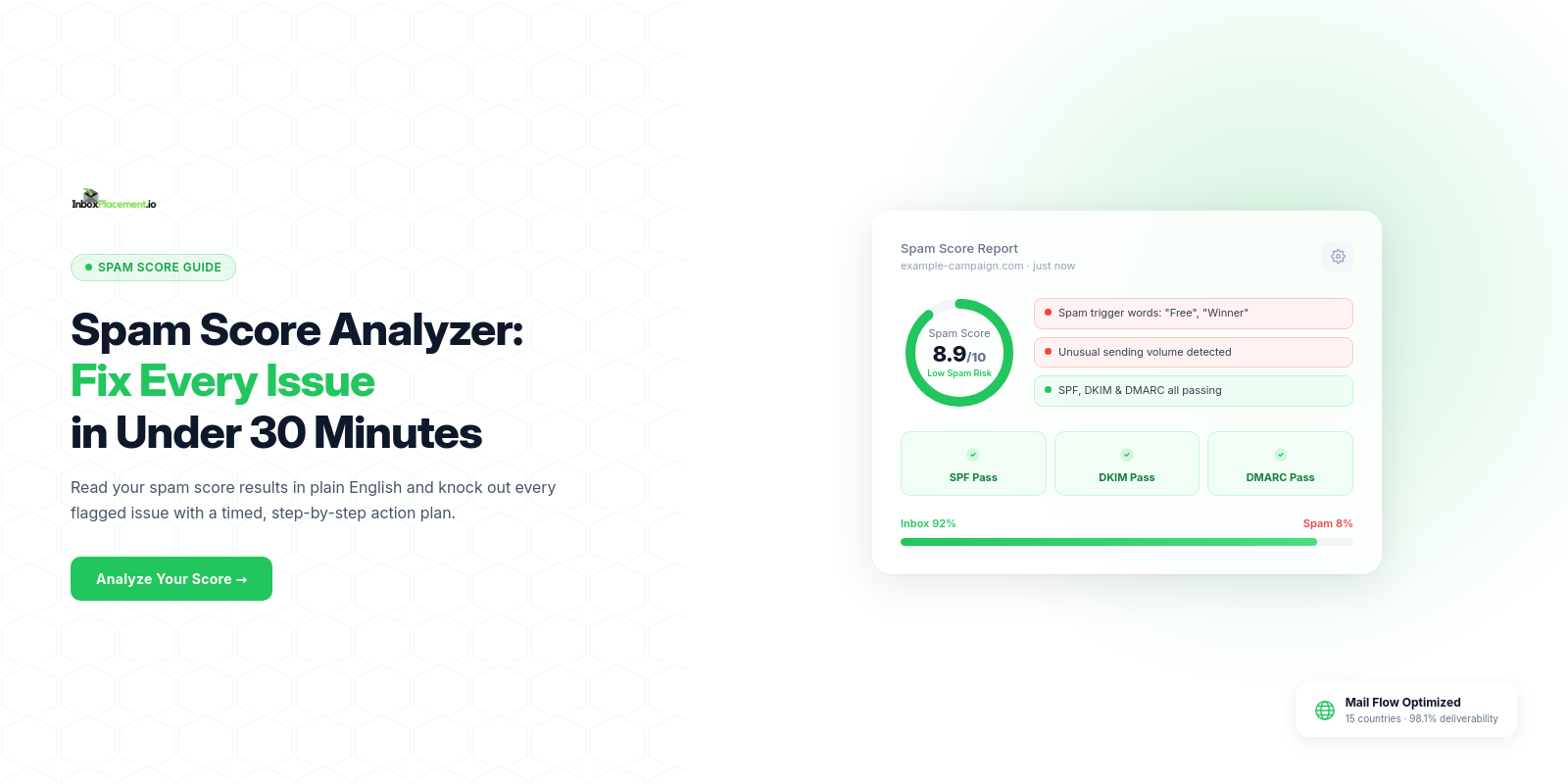
A spam score analyzer evaluates your email against the same criteria that inbox providers use to filter spam — authentication records, content patterns, sender reputation, HTML quality, and link safety — then assigns a numerical score that predicts your likelihood of inbox delivery.
Most issues flagged by a spam score analyzer can be resolved in under 30 minutes. The challenge isn't fixing them — it's knowing which ones to fix first and in what order. This guide gives you that framework.
The Spam Score Scale Explained
Different spam score analyzers use different scales, but the risk tiers map to the same underlying thresholds:
| Score Range | Risk Level | Action Required | Estimated Time to Fix |
|---|---|---|---|
| 8–10 / 10 | Low risk | Safe to send — review any minor flags | 0–5 minutes |
| 6–7 / 10 | Medium risk | Fix flagged issues before sending | 10–20 minutes |
| 4–5 / 10 | High risk | Major revision required | 20–45 minutes |
| 0–3 / 10 | Critical | Do not send — investigate root cause | 1–4 hours |
For SpamAssassin-based tools (which use an inverse scale where lower is better):
- Below 3.0 — Low risk
- 3.0–5.0 — Medium risk
- 5.0–8.0 — High risk
- Above 8.0 — Critical
Always check which direction your analyzer scores before interpreting results.
The 4 Categories Every Spam Score Analyzer Checks
1. Authentication (Highest Impact)
Your analyzer checks three DNS-based records:
- SPF — Is your sending IP authorized to send for your domain?
- DKIM — Is your email cryptographically signed?
- DMARC — Are SPF and DKIM aligned with your From header domain?
Authentication failures are the heaviest-weighted signals in any spam analyzer. A failed authentication check can contribute 2–4 points on a 10-point scale — enough to push a 7/10 email to a 3/10 with nothing else changing.
If your analyzer shows auth failures: Authentication issues must be fixed before you analyze anything else. DNS changes propagate in 24–48 hours, so plan your send schedule accordingly.
2. Content (High Impact, Fastest to Fix)
Content analysis catches the specific phrases, formatting choices, and keyword patterns that spam filters have learned to associate with unwanted email. Your analyzer report will show the exact rules triggered with a weight for each.
Common content triggers by category:
Subject line:
- ALL CAPS words or phrases
- Multiple exclamation marks
- Urgency phrases: "Act now", "Limited time", "Expires today"
- Financial promises: "Free money", "Make $quot;, "Cash bonus"
Body text:
- Overuse of trigger words: "guaranteed", "risk-free", "100% free", "winner", "prize"
- Excessive punctuation or capitalization
- Deceptive framing: "This is not spam", "You have been selected"
- Poorly balanced text-to-image ratio (under 40% text)
Technical content:
- Shortened or redirected URLs
- Links to blacklisted domains
- Missing unsubscribe link
- Hidden text (white text on white background)
3. Reputation (Medium Impact, Slower to Fix)
Some spam score analyzers pull live reputation data from services like SenderScore, Google Postmaster Tools, or Barracuda Reputation. Your sending domain and IP address have reputation scores that directly influence how aggressively filters apply other checks.
A high-reputation sender gets more latitude on minor content issues. A low-reputation sender sees the same content filtered more aggressively.
Reputation is a long-term signal — it reflects weeks or months of sending behavior and can't be fixed in 30 minutes. But understanding your reputation score helps you prioritize: if reputation is fine but content triggers are flagged, fixing content will have immediate impact.
4. Technical (Medium Impact)
The technical category covers infrastructure signals:
- HTML validation — Broken or unclosed tags, suspicious JavaScript, excessive inline CSS, hidden elements
- Blacklist status — Whether your sending IP or any URL in your email appears on blacklist databases
- Link analysis — Whether all links resolve, use HTTPS, and aren't shortened or redirected through suspicious domains
- Header analysis — Whether email headers contain proper message ID, return path, and routing information
Technical issues are usually configuration-based and fixable quickly once identified.
Your 30-Minute Fix Plan
Use your spam score analyzer report as the checklist. Work through these time blocks in order:
Minutes 1–5: Address Authentication Failures
Open your analyzer report and locate the authentication section. Look for any FAIL or SOFTFAIL result next to SPF, DKIM, or DMARC.
- SPF failure: Log into your domain registrar's DNS management. Find the TXT record at your root domain. Add your ESP's SPF include statement (your ESP's documentation provides the exact text). Save and note the time — propagation takes 24–48 hours.
- DKIM failure: Log into your ESP settings. Find the DKIM configuration section. Enable DKIM and publish the CNAME records they provide to your DNS.
- DMARC missing: Add a TXT record at
_dmarc.yourdomain.comwith value:v=DMARC1; p=none; rua=mailto:dmarc@yourdomain.com
If authentication requires DNS changes, set a reminder to retest in 24–48 hours after propagation completes. Continue fixing other issues now.
Minutes 6–10: Fix Content Triggers
Your report lists every triggered content rule with a description. Work through them in order of weight (highest weight first):
- Open your email template in your editor
- Find and remove or rewrite flagged subject line phrases
- Find and replace flagged body content — replace urgency phrases with specific value statements, remove excessive punctuation, convert ALL CAPS to standard case
- Check your text-to-image ratio — if your email is more than 60% images, add substantive text content or remove some images
Most subject line and body rewrites take 3–5 minutes. You don't need to eliminate every trigger word — focus on the high-weight ones.
Minutes 11–20: Resolve Blacklist Issues
Your report shows whether your sending IP or any linked domain appears on blacklists.
If your IP is listed:
- Visit the blacklist's lookup page (the analyzer report typically links directly)
- Complete their delisting form — most require an explanation of why the listing occurred and what you've changed
- Submit and track the removal (most process within 24–72 hours)
If a linked domain is listed: Replace the affected URL in your email with a link to a clean domain. If it's your own domain that's listed, you'll need to pursue delisting before sending.
If clean: Confirm and move on.
Minutes 21–30: Re-Test and Verify
After making content and technical fixes, run your spam score analyzer again. This is not optional — a retest confirms:
- Your changes resolved the flagged triggers (sometimes a rewrite introduces a new trigger)
- No new issues appeared from your edits
- Your score has moved into the acceptable range
Compare your before and after scores. Document what you changed — this becomes your reference for future campaigns with similar content.
If your score hasn't improved sufficiently:
- Check whether the remaining flags are authentication-related (requires DNS propagation time)
- Review the report for triggers you may have missed in the first pass
- Consider whether any remaining triggers are worth accepting vs. the effort of eliminating them
What to Do If Your Score Doesn't Improve After Fixes
If you've addressed all flagged issues and your score remains low, the cause is likely one of:
1. DNS Propagation Pending — Authentication changes take 24–48 hours. Wait and retest.
2. Reputation Issue — If your sender reputation is low, content fixes alone won't move the needle significantly. Reputation requires 30–90 days of consistent clean sending to rebuild. Focus on list hygiene, complaint rate reduction, and gradual volume normalization.
3. Blacklist Still Active — Some blacklists take 24–72 hours to update after a removal request. Wait for the delisting to propagate and retest.
4. Analyzer Limitation — Some spam score analyzers don't test all components. If your tool only analyzes content but not reputation, a low score may not reflect the full picture. Use InboxPlacement.io's comprehensive analyzer for a complete assessment.
Frequently Asked Questions
What is a spam score analyzer?
A spam score analyzer is a tool that evaluates your email against spam filter criteria — authentication, content, reputation, HTML quality, and link safety — and assigns a score predicting whether spam filters will flag or route your email to the inbox.
What spam score is acceptable?
On a 0–10 scale (where 10 is best), a score of 7 or higher is considered acceptable. Aim for 8–10 for best results. On SpamAssassin's inverse scale (lower is better), below 3.0 is acceptable.
How do I lower my spam score?
Fix authentication failures first (highest impact), then rewrite content triggers identified in the report, replace shortened or blacklisted URLs, and validate HTML. Retest after each round of changes.
Why does my spam score keep changing?
Spam scores change because they incorporate real-time signals: blacklist status updates, reputation scores that reflect recent sending behavior, and content rules that evolve as spam filter training data changes. A score from last month may differ from today's even with the same email.
Do spam scores affect all email clients equally?
No. Gmail, Outlook, and Yahoo use different filter weights for the same signals. Gmail typically prioritizes engagement and reputation. Outlook applies stricter content filtering. A good spam score from one analyzer doesn't guarantee inbox placement at all providers — use an inbox placement test to verify provider-specific results.
Analyze your spam score and fix it now. Run a free spam score analysis at InboxPlacement.io →
Related: Email Spam Test: 5 Steps Before Every Send · Email Spam Checker: How Spam Filters Work · Email Deliverability Checker: What Each Test Reveals