
Email Deliverability · Email Testing · Spam Score · Email Authentication
Email Deliverability Checker: What Each Test Reveals and What to Fix
· InboxPlacement.io Team
Updated
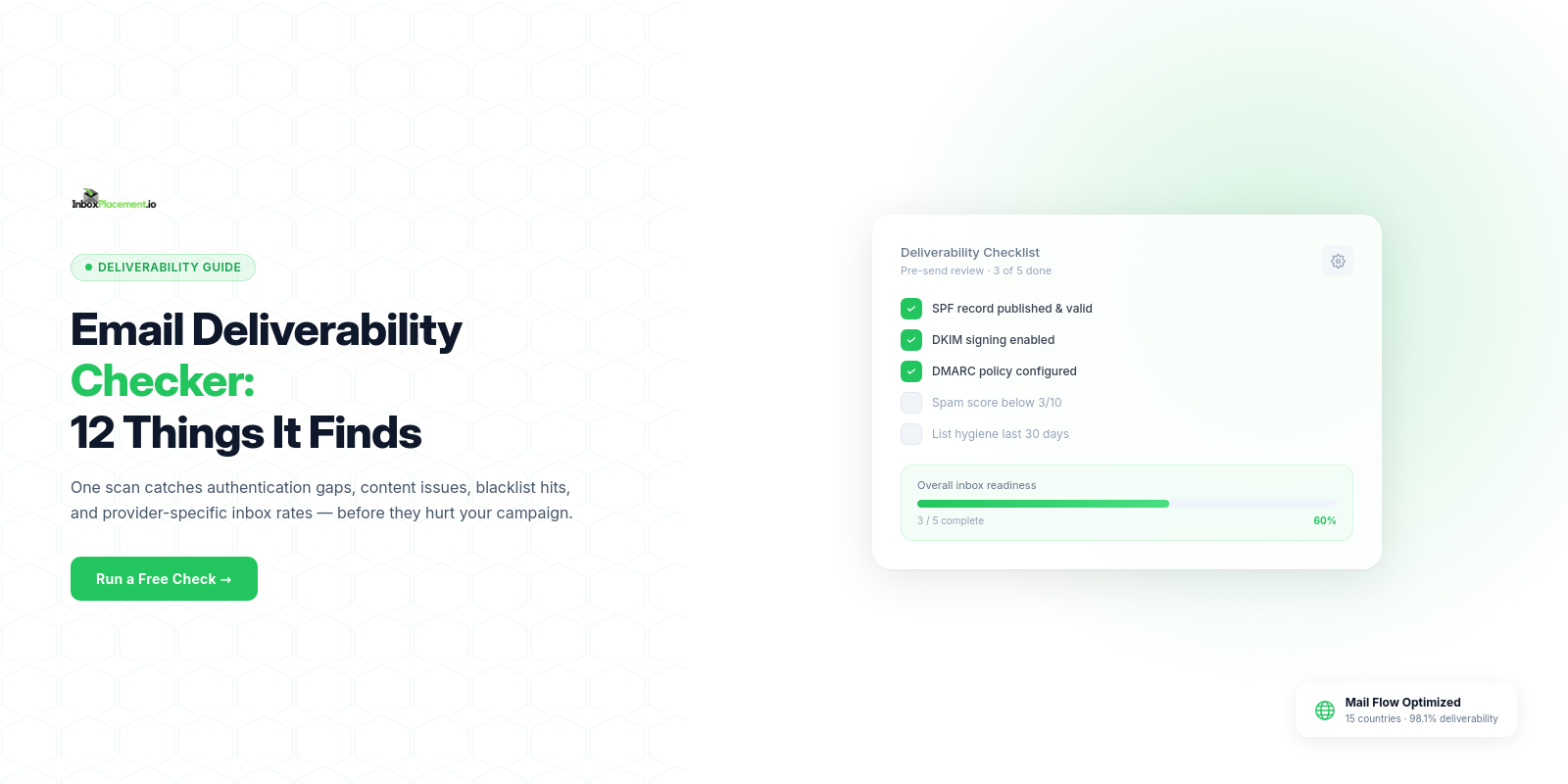
An email deliverability checker tests your sending infrastructure, authentication records, content, and reputation against the criteria that inbox providers use to route email — then maps every result to a specific fix.
In one sentence: it tells you exactly why your emails are or aren't reaching the inbox, and exactly what to do about it.
For the full remediation sequence after a diagnostic test, use this 10-step email deliverability improvement guide.
The 7 Components of a Full Deliverability Check
A complete email deliverability check covers seven distinct areas. Understanding what each one tests helps you prioritize fixes by impact.
| Check Component | What It Tests | What Bad Results Mean | Fix |
|---|---|---|---|
| Authentication (SPF/DKIM/DMARC) | Whether your sending identity is verified by DNS records | ISPs cannot confirm you're a legitimate sender; email routed to spam or blocked | Add/fix SPF record, enable DKIM in ESP, publish DMARC policy |
| Blacklist Status | Whether your sending IP or domain appears on spam databases | ISPs using affected blacklists automatically filter or block your email | Identify cause, fix sending behavior, submit delisting request |
| Spam Score | Content trigger patterns, HTML quality, link safety | Email content flags as spam before reaching reputation or engagement filters | Remove trigger phrases, fix HTML, replace shortened URLs |
| Inbox Placement | Where email actually lands across real seed mailboxes at Gmail, Outlook, Yahoo, AOL | Quantifies the real impact of other issues; shows per-provider behavior | Address the specific component causing the low placement |
| Bounce Handling | Hard and soft bounce rates from recent sends | High bounces signal list quality problems and damage sender reputation | Remove hard bounces immediately; investigate soft bounce causes |
| Sender Reputation | Domain and IP reputation scores from services like SenderScore and Google Postmaster | Low reputation score means ISPs apply more aggressive filtering to all your sends | Reduce complaint rate, improve engagement, clean list |
| Content Analysis | Spam keyword density, text-to-image ratio, link quality, HTML structure | Specific content elements that will trigger filter flags in production | Rewrite flagged content; fix HTML and link issues |
How to Read a Deliverability Report
Start with Authentication
Authentication is the foundation. If SPF, DKIM, or DMARC fails, fix those before analyzing anything else. A failed authentication result tells ISPs they cannot verify your identity — and they will act accordingly regardless of how clean your content is.
Look for three clear PASS results. If any show FAIL or SOFTFAIL, go to DNS settings and fix before moving forward. Authentication changes take 24–48 hours to propagate through DNS.
Check Blacklist Status Next
A blacklist listing is a hard blocker at ISPs that use those databases. Common lists that matter most:
- Spamhaus SBL/XBL — Used by most corporate mail servers and ISPs worldwide
- SpamCop — Real-time list based on spam reports; listings often clear within 24 hours of good sending behavior
- URIBL/SURBL — Domain-based lists that flag URLs in your email body
If you're listed: do not send until the listing is resolved. Sending while blacklisted adds more evidence of spam behavior and extends delisting timelines.
Interpret Spam Score Findings
A deliverability checker's spam score section typically shows:
- Overall score on a standardized scale (0–10 or SpamAssassin's raw scoring)
- Triggered rules — specific patterns that added to your score with a weight for each
- Authentication contribution — whether auth results improved or worsened the score
- HTML issues — broken tags, suspicious code, hidden text
Prioritize fixing rules with the highest weight first. A subject line trigger typically scores 2–3 points on its own; fixing it alone can move you from "high risk" to "low risk."
Analyze Inbox Placement by Provider
The inbox placement section shows per-provider results from real seed mailboxes. This tells you:
- Which providers are filtering you — Focus troubleshooting on providers showing below 85% inbox placement
- Whether you're hitting spam vs. promotions at Gmail — The Promotions tab is not spam; don't conflate them
- Whether any provider is blocking completely — Zero delivery to a specific provider indicates a serious reputation or blacklist issue with that ISP specifically
Sender Reputation Score
Reputation scores from tools like SenderScore (0–100, with 80+ being good) and Google Postmaster Tools (high/medium/low/bad) give you a relative measure of how ISPs perceive your domain.
A low reputation score doesn't have a quick fix — it reflects historical sending behavior. The path to improvement is consistent clean sending over 30–90 days: low complaints, low bounces, healthy engagement.
Bounce Rate Analysis
Your deliverability checker should pull recent bounce data or let you input it. Here's what the numbers mean:
| Metric | Good | Warning | Critical |
|---|---|---|---|
| Hard Bounce Rate | Below 0.5% | 0.5–2% | Above 2% |
| Soft Bounce Rate | Below 2% | 2–5% | Above 5% |
| Spam Complaint Rate | Below 0.05% | 0.05–0.1% | Above 0.1% |
Hard bounces above 2% indicate serious list quality problems. Remove every hard bounce immediately — they damage sender reputation with each send.
Biggest Deliverability Check Mistakes
Testing from the Wrong Sending IP
Your deliverability checker results are only valid if you test from the same IP address you use for production sends. If you test from a local SMTP server or a different ESP account, authentication may pass in testing and fail in production.
Always send your test email from the actual ESP account and sending domain you'll use for the real campaign.
Testing with Placeholder or Generic Content
A "Hello, this is a test" email will return false-positive results on every content check. Your deliverability checker needs to analyze the real subject line, body content, links, and images from your actual campaign.
Use a copy of your real email for testing. The spam score result from a real email can differ significantly from a generic test message.
Only Checking Once
Deliverability changes between sends. A sender that checked authentication six months ago may have had DNS records expire or ESP settings reset. A domain that was clean last month may now appear on a blacklist.
Check before every major campaign. Check monthly for regular sends. Check immediately whenever you notice a drop in open rates or engagement.
Focusing Only on Spam Score and Ignoring Reputation
A spam score of 9/10 with a sender reputation of 45/100 (SenderScore) will still produce poor inbox placement. Content quality and sender reputation are independent signals — both need to be healthy.
Look at the full picture your deliverability checker provides, not just the headline score.
Frequently Asked Questions
What does an email deliverability checker test?
A complete email deliverability checker tests: email authentication (SPF, DKIM, DMARC), blacklist status across major databases, spam score and content analysis, inbox placement across real mailboxes, sender reputation scores, bounce rates, and HTML/link quality.
How do I check email deliverability?
Use a tool like InboxPlacement.io: create a test, send your email to the provided test address from your actual ESP, and receive a full deliverability report within minutes covering all seven components above.
Is email deliverability checking free?
Basic deliverability checks are available free with limited tests. Comprehensive checking — covering all seven components with real seed mailbox inbox placement — starts at $9.99/month with InboxPlacement.io.
How often should I check email deliverability?
Check before every new campaign type. Check monthly for regular sends. Check immediately after deliverability-impacting changes: new sending domain, new ESP, authentication configuration updates, or after recovering from a blacklist listing.
What's the difference between spam testing and deliverability checking?
Spam testing focuses on content analysis and spam score — will your email trigger spam filters? Deliverability checking is broader and covers the full picture: authentication, reputation, blacklists, bounce handling, and actual inbox placement. Think of spam testing as one component of a full deliverability check.
Run a full deliverability check on your email today. Check your deliverability at InboxPlacement.io →
Related: Email Spam Checker: How Spam Filters Decide Your Email's Fate · Inbox Placement Rate: Benchmarks and Improvement Guide · Email Spam Test: 5 Steps Before Every Send