
Email Testing · Spam Checker · Email Deliverability · Spam Filters
Email Spam Checker: How Spam Filters Decide Your Email's Fate
· InboxPlacement.io Team
Updated
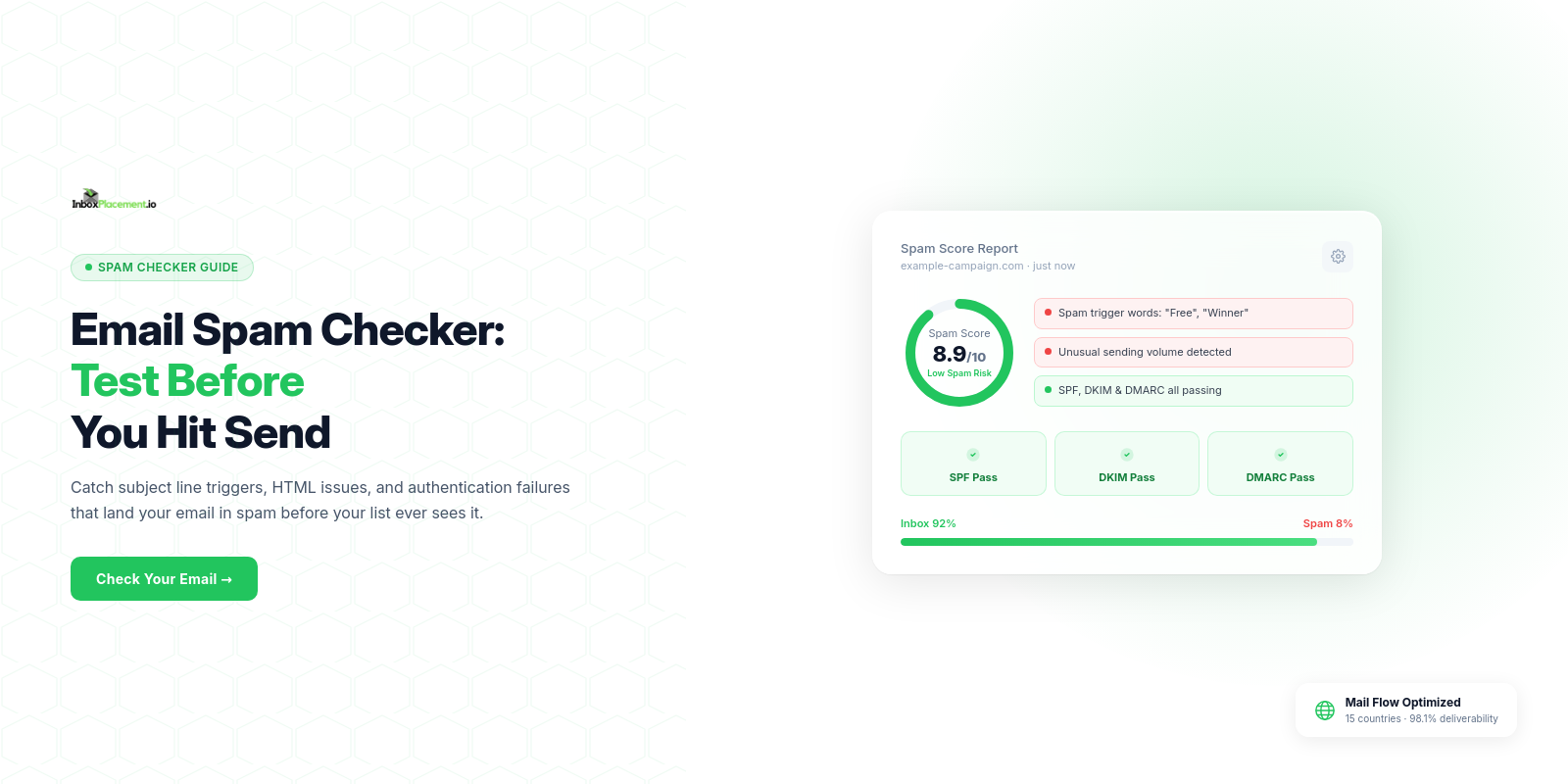
An email spam checker is a tool that analyzes your email against the same criteria real spam filters use — authentication records, content patterns, sender reputation, blacklist status, link quality, and HTML structure — and tells you exactly what to fix before you send.
Understanding what spam checkers actually test (and why) puts you in control of your inbox placement. This guide breaks down the filter mechanics and shows you how to pass every check.
How Spam Filters Actually Work
Modern spam filters are nothing like the keyword-based blocklists of the 1990s. They operate on three distinct analysis layers that run simultaneously on every incoming message:
1. Authentication Layer — Before analyzing a single word of content, receiving mail servers check whether the email comes from an authorized source. SPF, DKIM, and DMARC are verified in milliseconds. Failure at this layer can result in automatic rejection regardless of content quality.
2. Reputation Layer — The sending IP address and domain are scored against historical behavior. How many spam complaints has this sender accumulated? What's the bounce rate? Are they on any blacklists? Reputation scores are maintained by major ISPs and third-party organizations like Spamhaus and Sender Score.
3. Content Layer — Bayesian classifiers and machine learning models analyze the email's text, HTML structure, links, and images against millions of known-spam patterns. This layer learns continuously — the same phrase that passed six months ago may now trigger a flag because it appeared in a high-volume spam campaign.
The key insight: filters combine all three layers into a final disposition decision. A high reputation score buys you latitude on content. Failed authentication removes that latitude entirely. A spam checker gives you visibility into all three before the real filter runs.
The 6 Things Every Spam Checker Should Test
A legitimate spam checker goes beyond keyword scanning. Here's what a comprehensive tool evaluates:
| Spam Filter Factor | Weight/Impact | How to Pass It |
|---|---|---|
| Authentication (SPF/DKIM/DMARC) | Critical — failure here overrides other signals | Configure all three records in your DNS and ESP |
| Content & Keyword Analysis | High — 700+ trigger patterns checked | Write naturally; avoid urgency, financial, and "too good to be true" phrasing |
| Blacklist Status | High — single listing drops inbox rate 30–50% | Monitor weekly; delist immediately if flagged |
| Sender Reputation | High — built over months, destroyed in days | Maintain <0.1% spam complaint rate, <2% bounce rate |
| HTML Quality | Medium — broken code signals unprofessional or automated origin | Validate HTML; avoid hidden text, scripts, excessive inline CSS |
| Link Analysis | Medium — links checked against phishing and blacklist databases | Use full branded URLs; avoid URL shorteners |
Authentication: The Non-Negotiable Foundation
Spam checkers verify three DNS-based authentication protocols:
SPF confirms your sending IP is authorized to send for your domain. Your ESP provides an SPF include statement that must be added to your domain's DNS TXT record.
DKIM adds a cryptographic signature to every email. When the receiving server checks this signature, it proves the email hasn't been modified in transit. Enable DKIM in your email platform's settings and publish the provided CNAME records.
DMARC ties SPF and DKIM together and adds an alignment requirement — the domain in your "From" header must match the domain used in SPF or DKIM authentication. Misalignment fails DMARC even when SPF and DKIM individually pass.
✓ All three must pass. One failure here negates strong scores in every other category.
Content Analysis: What the Bayesian Filter Sees
Bayesian spam filters calculate the probability that an email is spam by comparing the frequency of its words and phrases against a training corpus of known-spam and known-legitimate email.
This means context matters more than specific words. "Free" in a B2B product announcement reads differently than "FREE" in an all-caps subject line with three exclamation marks. The filter sees the combination, not the individual elements.
High-risk content patterns:
- ALL CAPS in subject lines or body text
- Excessive punctuation (more than one exclamation mark signals low trust)
- Financial urgency ("Act now", "Limited time", "Expires today", "Earn $quot;)
- Overpromising ("Guaranteed", "Risk-free", "100% free", "You've won")
- Deceptive framing ("Not spam", "This isn't junk mail")
Safe content signals:
- Personalization (recipient name, company, recent activity)
- Conversational tone matching a professional email
- Clear value proposition without hyperbole
- Plain text version included alongside HTML
What Different Spam Checker Results Mean
| Score Range | Risk Level | Typical Cause | Action |
|---|---|---|---|
| 8–10/10 | Low | Clean content, passing auth, good reputation | Safe to send |
| 6–7/10 | Medium | Minor content triggers or one weak signal | Fix flagged items and retest |
| 4–5/10 | High | Multiple content triggers or reputation issue | Major revision before sending |
| 0–3/10 | Critical | Authentication failure or serious reputation problem | Do not send; investigate root cause |
Blacklist Status: The Silent Inbox Killer
Spam checkers query real-time blacklist databases maintained by organizations including Spamhaus, SpamCop, SURBL, and URIBL. These databases track IP addresses and domains with a history of sending spam.
Being listed on Spamhaus's SBL (Spamhaus Block List) effectively blocks delivery to a large percentage of corporate email recipients. The URIBL checks the URLs in your email body — a single link to a blacklisted domain can flag an otherwise clean message.
Most spam checkers query 15–100+ blacklists simultaneously. The result tells you whether your sending IP, sending domain, or any linked domains are listed.
Sender Reputation: The Long Game
Spam checkers that include reputation analysis pull from services like SenderScore (by Validity), Google Postmaster Tools data, and Microsoft SNDS (Smart Network Data Services). These services aggregate ISP-level feedback about your sending behavior.
Key reputation signals:
- Spam complaint rate — Target below 0.1%. Gmail now enforces a hard threshold.
- Bounce rate — Target below 2%. High bounces signal a purchased or outdated list.
- Engagement rate — ISPs track whether recipients open, click, or delete your emails.
- Sending consistency — Sudden volume spikes trigger temporary reputation penalties.
Reputation is built slowly and damaged quickly. A single campaign to a purchased list can take 6–8 weeks of clean sending to recover from.
Do Spam Checkers Test All Email Clients?
Most spam checkers analyze your email against the major filtering engines — SpamAssassin (used by many corporate mail servers), Google's filters, and Microsoft's filters. However, each ISP applies its own weighting to the factors above.
What this means in practice:
- Gmail is most lenient on content but most aggressive on reputation and engagement signals
- Microsoft Outlook/Hotmail has the strictest content filtering among major consumer providers
- Yahoo falls between Gmail and Outlook for overall restrictiveness
- Corporate Microsoft Exchange environments often add additional layers beyond Outlook's default
A score from one spam checker may not perfectly predict behavior at every ISP. This is why inbox placement testing — which sends to actual seed mailboxes at each provider — complements spam score testing.
Is a Spam Checker the Same as a Spam Filter?
No. A spam filter is the receiving server's decision engine that routes incoming email to the inbox or spam folder. A spam checker is a diagnostic tool that simulates what those filters will see when they analyze your message.
The distinction matters because:
- Spam checkers give you the analysis before the message is delivered
- Real spam filters don't tell you why they rejected or filtered your email
- A spam checker lets you iterate and fix issues; a spam filter just acts
Think of a spam checker as a pre-flight inspection — it runs your email through the same checklist that production filters use, but in a controlled environment where you can see and fix every failure.
When a message still lands in spam after a clean pre-flight result, follow a spam mail filtering diagnosis to separate provider filtering from authentication and reputation problems.
How to Fix a High Spam Score
The fastest improvements come from fixing authentication (24–48 hours for DNS propagation) and content (immediate effect on retest):
- Fix authentication first — SPF, DKIM, and DMARC failures carry the most weight. No content change helps if authentication is failing.
- Rewrite the subject line — Remove ALL CAPS, excess punctuation, and urgency phrases.
- Audit body content — Remove or replace flagged trigger words. A spam checker report will list the specific phrases detected.
- Check your links — Replace shortened URLs with full branded URLs. Remove any links to domains flagged on blacklists.
- Validate your HTML — Use a free HTML validator to identify and fix broken or unclosed tags.
- Retest — Run the spam checker again after each round of fixes to confirm improvement.
Frequently Asked Questions
What is an email spam checker?
An email spam checker is a tool that analyzes your email against spam filter criteria — authentication, content, blacklists, reputation, HTML quality, and link safety — and returns a score or detailed report showing what spam filters will see when they evaluate your message.
What spam score is too high?
On a 10-point scale (where 10 is best), a score below 6/10 requires attention before sending. Below 4/10 means significant problems are present. The exact threshold varies by tool — some tools reverse the scale, so confirm which direction "high" means for your checker.
Do spam checkers test all email clients?
No spam checker perfectly simulates every email client's filter. Most test against SpamAssassin and major ISP-equivalent filters. For provider-specific results, combine spam score testing with an inbox placement test that sends to real seed mailboxes.
Is a spam checker the same as a spam filter?
No. A spam filter is the live system that routes your email. A spam checker is a diagnostic tool that simulates what those filters will do before you send, giving you the opportunity to fix issues.
How do I fix a high spam score?
Fix authentication (SPF/DKIM/DMARC) first, then address content triggers flagged in the report, replace shortened URLs, validate HTML, and check blacklist status. Retest after each change to confirm improvement.
What's the best free email spam checker?
InboxPlacement.io offers a comprehensive spam checker covering authentication, content analysis, blacklist status, and reputation scoring. There is no free trial; the Starter plan begins at $9.99/month, and individual credit packs are also available without a subscription.
Ready to see what spam filters see in your emails? Use InboxPlacement.io's spam checker →
Related: Email Spam Test: 5 Steps Before Every Send · Email Spam Score Checker: Test & Improve Your Score · Inbox Placement Testing 101