
Email Deliverability · Email Authentication · Pre-Send Checklist · Inbox Placement
Pre-Send Email Deliverability Checklist: Gates & Monitoring
· InboxPlacement Team
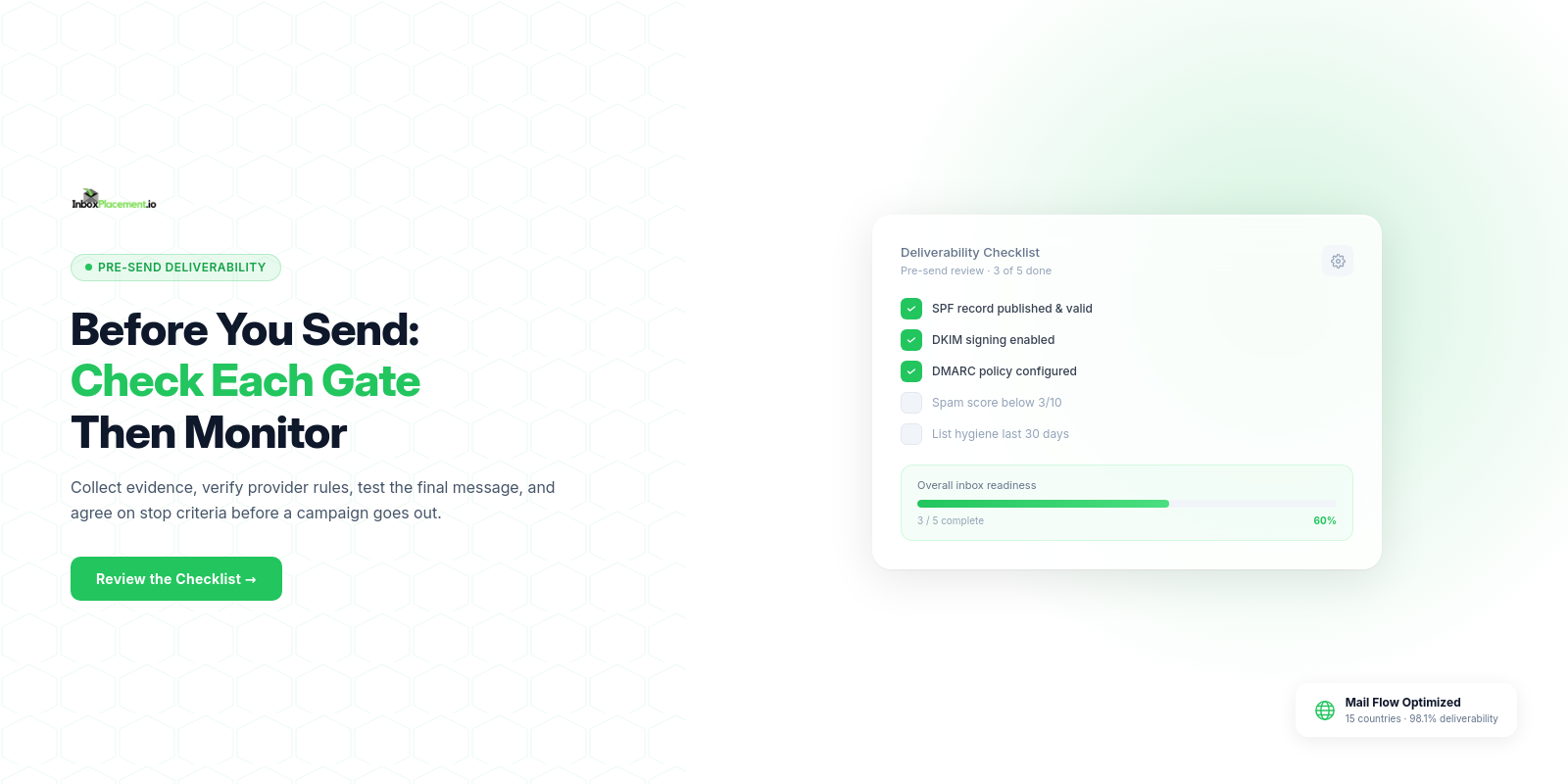
Short answer: Before a campaign, collect authentication and DNS evidence, confirm the requirements for your recipient providers and message type, validate content and unsubscribe behavior, test the final message, and agree on monitoring and stop criteria. These gates reduce unknowns; none alone proves where every recipient's message will land.
Who this checklist is for
Use this operational preflight before a high-impact campaign or transactional send, especially after a change to the sending domain, email service provider (ESP), authentication, template, or sending volume. It is designed for marketing and operations teams, deliverability engineers, and ESP administrators who need a repeatable record of what was checked and who approved a send.
Provider rules depend on recipient mailbox, message type, and sender volume. Treat the provider-specific section below as a guide to the current official requirements, then confirm them for your own sending setup. Do not treat a pass in one area as proof that all the others pass.
Keep the signals separate
- Authentication: SPF, DKIM, and DMARC results reported by the receiving system in message headers such as
Authentication-Results. DMARC passes when an aligned SPF or DKIM result satisfies its rules; it is not a measure of inbox placement. - Receiver disposition: whether the receiving system accepted, quarantined, or rejected a specific message.
- Delivery: acceptance by the destination mail system. Acceptance does not show which folder a recipient sees.
- Inbox placement: whether a test message appears in the inbox, a secondary folder, spam, or is not observed in the tested mailbox.
A DNS lookup describes published configuration. A test message describes what a receiving system evaluated for that message. A seed test samples selected mailboxes. Keep the evidence and conclusions for each separate.
Prerequisites: collect evidence before changing anything
Record the campaign or message type, intended providers, sending domain, visible From: address, envelope sender, sending platform, and the owner responsible for DNS and policy decisions. Note the date and the exact version of the message you are checking.
Collect:
- Authentication records: the published SPF policy, DKIM selector and public key, and DMARC record and policy. Confirm the sending services and domains match the final message path. Keep an existing enforcement policy in place unless the domain owner authorizes a documented change.
- Real-message headers: a sample sent through the same ESP, template, and route planned for the campaign. Preserve the receiver's
Authentication-Results, relevantReceivedfields, and any rejection or quarantine details. - Sending infrastructure: sending IPs and hostnames, the ESP or mail server, and forward/reverse DNS status where the destination provider requires it. For shared infrastructure, confirm which values are controlled by your ESP.
- Unsubscribe and list evidence: message type, consent/list source,
List-Unsubscribeheaders where applicable, a visible body link, and a tested unsubscribe workflow. - Baseline and guardrails: recent provider-level complaint, bounce, delivery, and unsubscribe signals, plus the internal limits that would pause or stop a send. Use your own baselines; do not invent a universal engagement or complaint target.
- Final content: the exact rendered HTML and text, subject, links, tracking domains, images, and headers. A test on a simplified version cannot validate the message you intend to send.
The pre-send gates
For each gate, record the evidence, a pass/fail decision, who reviewed it, and the next action. A failed mandatory requirement is a stop-and-investigate condition, not a reason to bypass the check.
1. Confirm owner, audience, and requirements
Identify the person authorized to approve DNS or DMARC changes. Confirm the recipient providers, message type (for example, marketing or transactional), expected volume, and applicable provider rules. Separate provider requirements from your team's own stricter internal guardrails.
Pass when: the sending owner, target providers, message type, and required checks are recorded.
If it fails: clarify the send profile and decision owner before changing records or scaling volume.
2. Verify DNS and authentication for the real sender
Query the public DNS records for the sending domain and DKIM selector. Confirm the SPF policy includes only authorized senders and does not have multiple competing SPF policies at the same DNS name. Confirm DKIM signing is enabled for the final message and that DMARC is published for the visible From: domain.
Then send a representative message and inspect the receiver's results. Check the domains used for SPF, DKIM, and the visible From: address; a passing check for an unrelated domain is not proof of DMARC alignment. Use the mailbox-specific requirements below to decide whether both SPF and DKIM must pass, and which one must align.
Pass when: records resolve as intended and a real message shows the expected provider-specific authentication and alignment results.
If it fails: identify the specific record, selector, sender, or alignment issue; ask the domain or ESP owner to correct it, allow for DNS caching, and retest the same route. Do not lower an existing DMARC policy to force a pass.
For a field-by-field explanation of the authentication results, see the SPF, DKIM, and DMARC alignment guide.
3. Check sending infrastructure and message standards
Verify that the sending IP and hostnames match the configuration documented by your ESP or mail administrator. Check forward and reverse DNS where required by the destination provider, and confirm the final message uses the expected transport and standards-compliant format.
Pass when: the provider-specific infrastructure checks are satisfied and the ESP confirms any values your team cannot directly control.
If it fails: work with the sending provider to correct the IP or DNS configuration. Do not guess at a shared ESP's infrastructure settings.
4. Validate content, list handling, and unsubscribe behavior
Review the final message, its links and tracking domains, the list's permission basis, and the relevant unsubscribe rules for each provider. Marketing or promotional messages may have one-click header requirements that do not apply to transactional messages. When one-click unsubscribe applies, verify both the required headers and that the request is honored within the provider's stated window; keep a visible body unsubscribe link where required.
Test the unsubscribe flow end to end using a controlled address. Confirm that the preference is saved and the address is suppressed from later eligible sends.
Pass when: the exact final content is reviewed, expected links use HTTPS and resolve, recipient/list handling is approved, and applicable unsubscribe mechanisms work.
If it fails: correct the message or workflow and rerun the check. Do not hide or obstruct an unsubscribe control to preserve list size.
5. Run a seed or inbox placement test on the final message
Send the exact version to representative test addresses at the target providers. Record results by provider and distinguish inbox, secondary folder, spam, and not observed. Also record any authentication headers, deferrals, or rejections. A seed test samples selected accounts and may not represent every recipient or predict a future campaign.
Pass when: the tested message has no unresolved provider-level blocks, authentication outcomes match the gate criteria, and the placement observations meet the team's pre-agreed decision rules.
If it fails: investigate the provider-specific signal, change one meaningful variable at a time, and retest the same message path. For a more detailed explanation of test results, see the inbox placement testing guide.
6. Approve a limited pilot and monitoring plan
Before any wider send, agree on the initial audience, who can pause the send, which provider signals will be watched, and what results trigger investigation or a stop. Use an appropriately permissioned pilot and set thresholds from your own history and the provider's current guidance; the handoff does not establish a universal safe complaint rate or engagement target.
Pass when: an authorized owner approves the pilot and the monitoring window, data sources, alert owner, and stop criteria are written down.
If it fails: do not scale. Resolve the missing approval or monitoring gap first.
Provider-specific checks
The following summaries are based on the official guidance linked in Sources. Provider rules can change, so confirm them before a high-impact send.
Gmail personal accounts
Google describes a bulk sender as a sender that sends close to 5,000 or more messages to personal Gmail accounts in 24 hours, counting mail across the same primary domain. Once a sender meets that definition, its bulk-sender status does not expire.
For bulk senders, Google requires SPF and DKIM authentication, a DMARC record with at least p=none, and alignment of the visible From: domain with the SPF or DKIM domain. Google also checks for valid forward and reverse DNS, TLS, and standards-compliant messages. Its FAQ identifies spam rates above 0.3% as a condition that can make a bulk sender ineligible for delivery support or mitigations; treat that as an upper bound, not a target. One-click unsubscribe applies to marketing and promotional mail, not transactional messages, and Google says unsubscribe requests must be honored within 48 hours. Google's FAQ says it began ramping enforcement on non-compliant traffic in November 2025; it warns that messages can face temporary or permanent rejections. Use Postmaster Tools and its compliance status dashboard for current account-specific signals.
Yahoo
Yahoo's general sender guidance calls for at least SPF or DKIM authentication, valid forward and reverse DNS for sending IPs, and RFC-compliant messages. Its bulk-sender guidance calls for SPF, DKIM, and DMARC, with a valid DMARC policy and DMARC passing; Yahoo says a policy of at least p=none meets the policy-level minimum and strongly recommends a working rua destination for reports.
For applicable marketing and subscribed messages, Yahoo calls for a functioning one-click unsubscribe header and a visible body link, and says to honor requests within two days. Yahoo advises bulk senders to keep complaint rates below 0.3%. Treat that as an upper bound in Yahoo's guidance, not a universal target; use your own lower stop threshold where appropriate.
Outlook.com consumer mail
Microsoft's current guidance defines a high-volume sender as a domain sending 5,000 or more messages to Microsoft consumer mail services with the same 5322.From domain. For that sender category, SPF and DKIM must both pass, a DMARC record must exist, and DMARC must pass through at least one aligned SPF or DKIM result.
Do not apply this Outlook.com consumer rule to every Microsoft 365 tenant or recipient system by assumption. Use the actual target mailbox and rejection response, inspect the message headers, and follow Microsoft's authentication overview and troubleshooting steps for the relevant service.
Quick decision record
| Gate | Evidence to keep | Pass decision |
|---|---|---|
| Owner and send profile | Approver, audience, provider, message type, expected volume | Required checks and decision owner are known |
| DNS and authentication | DNS answers, selector, DMARC policy, real-message headers | Provider-specific SPF, DKIM, and DMARC results pass |
| Infrastructure | Sending IP/host, forward/reverse DNS where required, ESP confirmation | Provider requirements are met or an owner has resolved the exception |
| Content and unsubscribe | Final message, link check, list basis, header and workflow test | Message is approved and applicable unsubscribe controls work |
| Seed test | Exact test version, provider-level folder and receiver results | No unresolved block; results meet written internal criteria |
| Pilot and monitoring | Pilot approval, signals, threshold owners, pause/stop plan | Owner authorizes the next stage and can stop it if conditions change |
Do not record a blanket “pass” when a required provider check is missing. Mark the gate not verified, name the evidence still needed, and hold the send until the responsible owner resolves it.
Monitoring after the send
Keep the same evidence trail after launch. Review provider-level delivery or rejection signals, authentication failures, complaints, unsubscribes, bounces, and any available seed-placement observations. Compare them with your documented baseline and stop criteria; investigate changes by provider rather than assuming every recipient experienced the same outcome.
Use DMARC aggregate reports to identify sources and alignment patterns, not to infer inbox placement. For ongoing authentication reporting, see DMARC monitoring explained. Re-run the pre-send gates after a material change to your ESP, domain, authentication records, template, list, or volume.
What this checklist cannot prove
- A DNS record or passing SPF, DKIM, or DMARC result does not prove that a message will be accepted or placed in the inbox.
- Server acceptance does not show whether a person saw the message or where it appeared.
- A seed test is a sample of selected mailboxes, not a guarantee for a live audience.
- A low complaint rate or a successful pilot does not guarantee that future campaigns will perform the same way.
- DMARC policy is a domain owner's instruction to receiving systems; it is not an inbox-placement setting. Do not weaken an existing enforcement policy without owner authorization, a verified need, a limited scope, and clear rollback criteria.
FAQ
Does a passing Authentication-Results header mean the email will reach the inbox?
No. It reports authentication checks for a message. The receiving system separately decides whether to accept, reject, quarantine, or place accepted mail in a particular folder.
Should I change DMARC to p=none if a pre-send test fails?
No. Do not lower an existing enforcement policy to try to improve placement or bypass a failed test. Identify the misaligned sender or DNS issue and involve the domain owner. Any policy change needs authorization, a verified reason, limited scope, monitoring, and rollback criteria.
Is one-click unsubscribe required for every email?
No. Requirements vary by provider, sender category, and message type. Google's guidance, for example, applies one-click unsubscribe to marketing and promotional mail from bulk senders and excludes transactional messages. Check the provider's current rules for the specific send.
What should count as a pre-send pass?
Define the criteria before testing. At minimum, verify the provider-required authentication for the sending category, working content and unsubscribe checks where applicable, no unresolved provider-level blocks, a reviewed seed result, and an approved monitoring and stop plan. Do not substitute a generic score for missing evidence.
How should I retest after a fix?
Keep the same sending route and message version, change one meaningful variable at a time, and capture the new DNS or message evidence. If the ESP, template, or provider changes, record that as a different test condition.
For a provider-level placement check before a larger send, run an InboxPlacement test. Treat its result as one diagnostic input alongside your receiver logs and provider tools.
Sources
- Google Gmail Email Sender Guidelines — requirements for sending to personal Gmail accounts, including bulk sender authentication.
- Google Gmail Sender Guidelines FAQ — bulk sender definition, enforcement notes, spam-rate guidance, and one-click unsubscribe scope.
- Yahoo Sender Best Practices — sender authentication, DNS, bulk sender, complaint-rate, and unsubscribe requirements.
- Microsoft: Fix NDR error 550 5.7.515 in Outlook.com — Outlook.com high-volume sender definition and SPF, DKIM, and DMARC requirements.
- Microsoft 365 email authentication overview — SPF, DKIM, DMARC, ARC, and how authentication results work together.
- Microsoft 365 email authentication troubleshooting — investigation guidance for common SPF, DKIM, DMARC, and forwarding failures.