
Email Deliverability · Inbox Placement Testing · Email Campaigns · Use Cases
Test Email Deliverability Before a Major Campaign Safely
· InboxPlacement Team
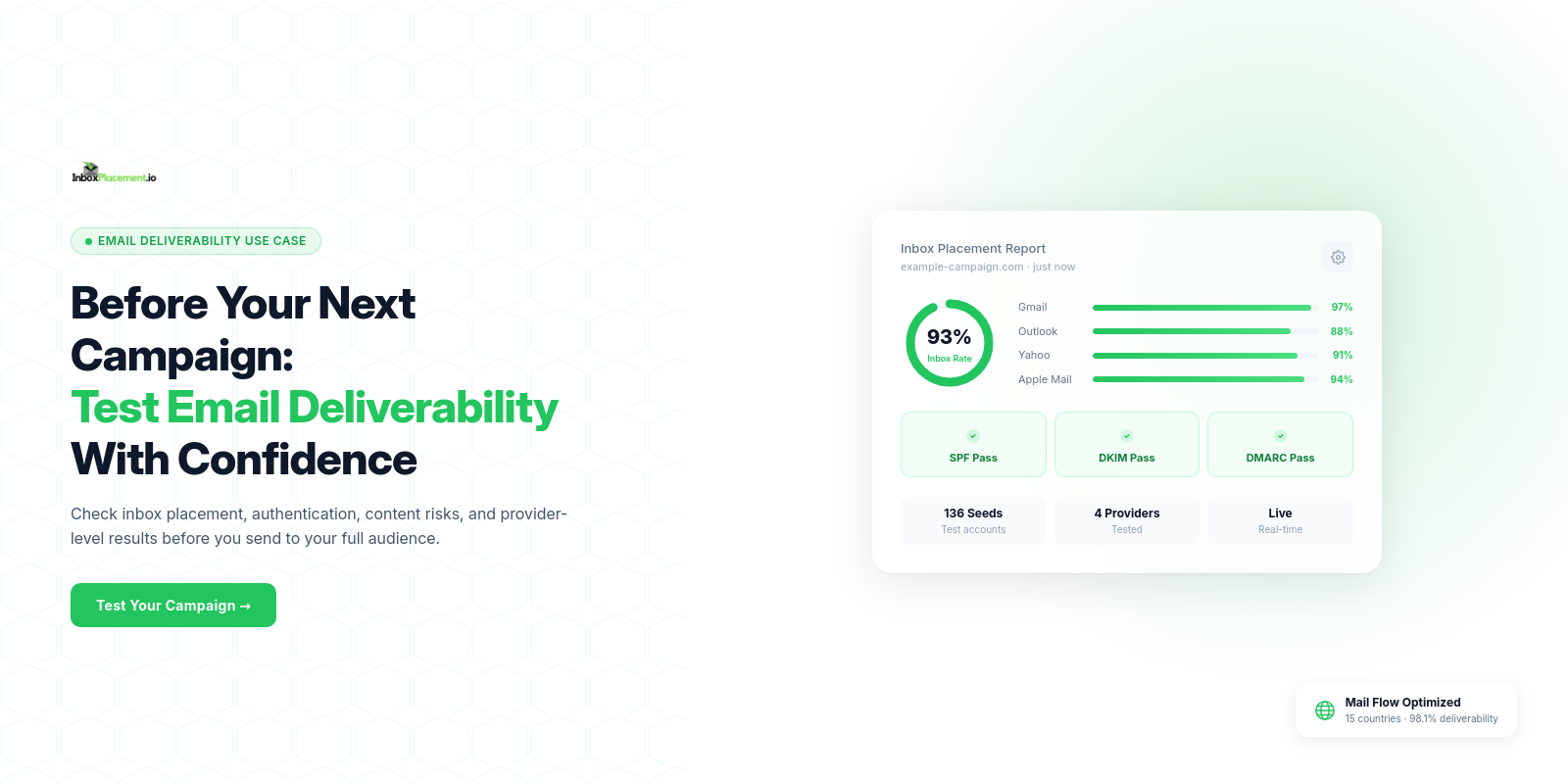
Short answer: test the exact production email with the same sender, subject line, links, HTML, and sending platform before a major send. Review inbox, spam, and missing placement by mailbox provider; fix the specific authentication, content, or configuration issue found; then retest. A seed test is a useful pre-flight diagnostic, not a guarantee of live-campaign results.
A campaign can be technically delivered and still fail to reach the inbox. That distinction matters when a launch, promotion, renewal notice, or important customer announcement depends on email revenue.
The practical question is not just “Will this send?” It is: where will this exact message land at Gmail, Outlook, Yahoo, and other mailbox providers? A pre-send inbox placement test gives a useful diagnostic before the full audience sees the campaign.
When a pre-send email test is worth doing
Run an inbox placement test when you are sending a high-value campaign, using a new template, changing a subject-line style, adding new tracking links, or returning to a list after a period of low activity. It is also useful after changes to authentication, the sending domain, or the email platform.
For bulk senders, authentication is not optional housekeeping. Gmail’s sender guidelines require SPF, DKIM, and DMARC for senders above its bulk threshold, alongside other requirements that apply to commercial and bulk mail. Source: Gmail sender guidelines
A pre-send deliverability checklist
1. Test the actual campaign—not a simplified version
Send the exact production version to the test address: the same From address, subject line, HTML, plain-text part, images, links, tracking parameters, and sending infrastructure. A generic test message cannot reliably reveal problems caused by your real content or configuration.
2. Review mailbox placement by provider
Separate the result by mailbox provider. A message can perform differently at Gmail, Outlook, Yahoo, or AOL. Look for whether the email appears in the inbox, a secondary tab or folder, spam/junk, or fails to arrive. Do not treat a single personal mailbox as a representative test.
InboxPlacement.io is designed to show this type of provider-level placement and pair it with authentication and content signals. Learn how inbox placement testing works or run an inbox placement test.
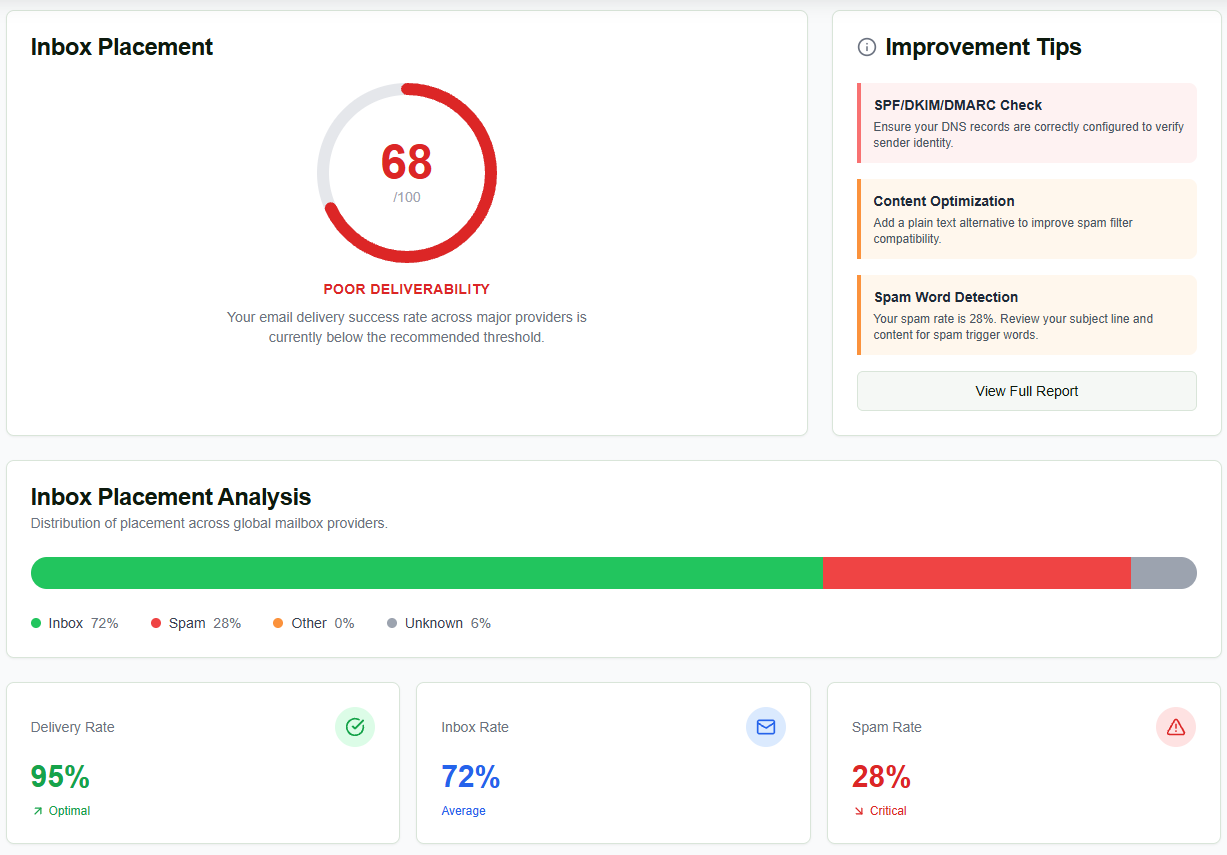
Example diagnostic view from InboxPlacement.io. The displayed score and placement percentages are a single test result for illustration, not a typical or guaranteed campaign outcome.
3. Check authentication and alignment
Confirm that SPF and DKIM pass and that DMARC passes with the appropriate alignment for the visible From domain. A pass from a third-party domain is not automatically the same thing as alignment. If the campaign was moved to a new ESP, verify this again after the migration. For a deeper technical review, see DMARC monitoring explained.
4. Look for message-level risks
Review the actual subject line, content balance, links, HTML, unsubscribe experience, and any spam-analysis warnings. The aim is not to chase a perfect score; it is to identify a specific risk you can fix before the message reaches the full list. An email spam score checker can help isolate content-level warnings alongside placement results.
5. Fix one meaningful variable, then retest
Record the first result, make a clearly defined change, and test again. Changing the template, list strategy, authentication, and sending volume all at once makes the outcome hard to interpret.
The pre-flight record your team should keep
Competitor guides often stop at “run a test.” The useful next step is to capture enough context to make the result actionable and comparable next month.
| Record | Why it matters |
|---|---|
| Campaign type and audience | A promotional campaign and a password-reset email should not be evaluated as the same send. |
| From name and visible From domain | These are central to sender identity and DMARC alignment review. |
| Subject line and final links | A small copy or tracking-link change can alter the message being tested. |
| Sending platform and date | Helps isolate changes after an ESP, DNS, or template update. |
| Placement by provider | Shows whether the problem is broad or concentrated at a mailbox provider. |
| Fix applied and retest result | Converts one-off testing into a repeatable deliverability playbook. |
Keep the result anonymized when sharing it with your team or publishing it as an example. Do not publish a customer’s data or claim a result is typical without permission and context.
What to do when the test lands in spam
Start with the most concrete issue first:
- SPF, DKIM, or DMARC failure: correct the DNS or sending-platform configuration, then allow normal DNS propagation before retesting.
- One provider performs poorly: inspect the provider-specific result before assuming the issue affects every mailbox.
- Content warnings: simplify the message, review links and HTML, ensure a plain-text alternative exists, and retest the production version.
- A sudden broad decline: pause major changes, review sender reputation and list hygiene, and investigate recent infrastructure changes.
An inbox placement test is evidence for a decision, not a guarantee of future performance. Live results can still differ with recipient engagement, list quality, volume, and changing mailbox-provider systems.
A simple operating routine
For a mature email program, test before major campaigns, after material infrastructure changes, and whenever performance drops unexpectedly. Keep a short log of the campaign, date, provider-level result, change made, and retest result. Over time, that creates an internal record of what improves your own sending program.
Frequently Asked Questions
Should I test every email campaign?
Prioritize high-value sends, new campaign types, major template changes, and campaigns following a deliverability problem. Regular testing is more useful than a one-time check.
Can a message be delivered but still be unsuccessful?
Yes. Delivery means the receiving server accepted the message. Inbox placement measures whether it appears where a recipient is likely to see it, rather than in spam or junk.
What should I send to an inbox placement test?
Use the exact message planned for the campaign, including subject line, links, images, sender identity, and sending system.
Does a seed test prove that every subscriber will see the campaign?
No. Seed tests provide a controlled, mailbox-provider view before launch. Recipient engagement, sending volume, list quality, historical reputation, and mailbox-provider decisions can still affect the live outcome. Use the test to identify avoidable risks, then monitor the real campaign as well.
Sources and further reading
- Gmail email sender guidelines
- Amazon SES: what inbox placement tests measure
- InboxPlacement: Inbox Placement Testing 101
Ready to see where your real campaign lands? Run an inbox placement test before you send to the full list.