
spf · deliverability · authentication
SPF TempError Troubleshooting: Symptom-led Diagnostic Guide
· InboxPlacement.io Team
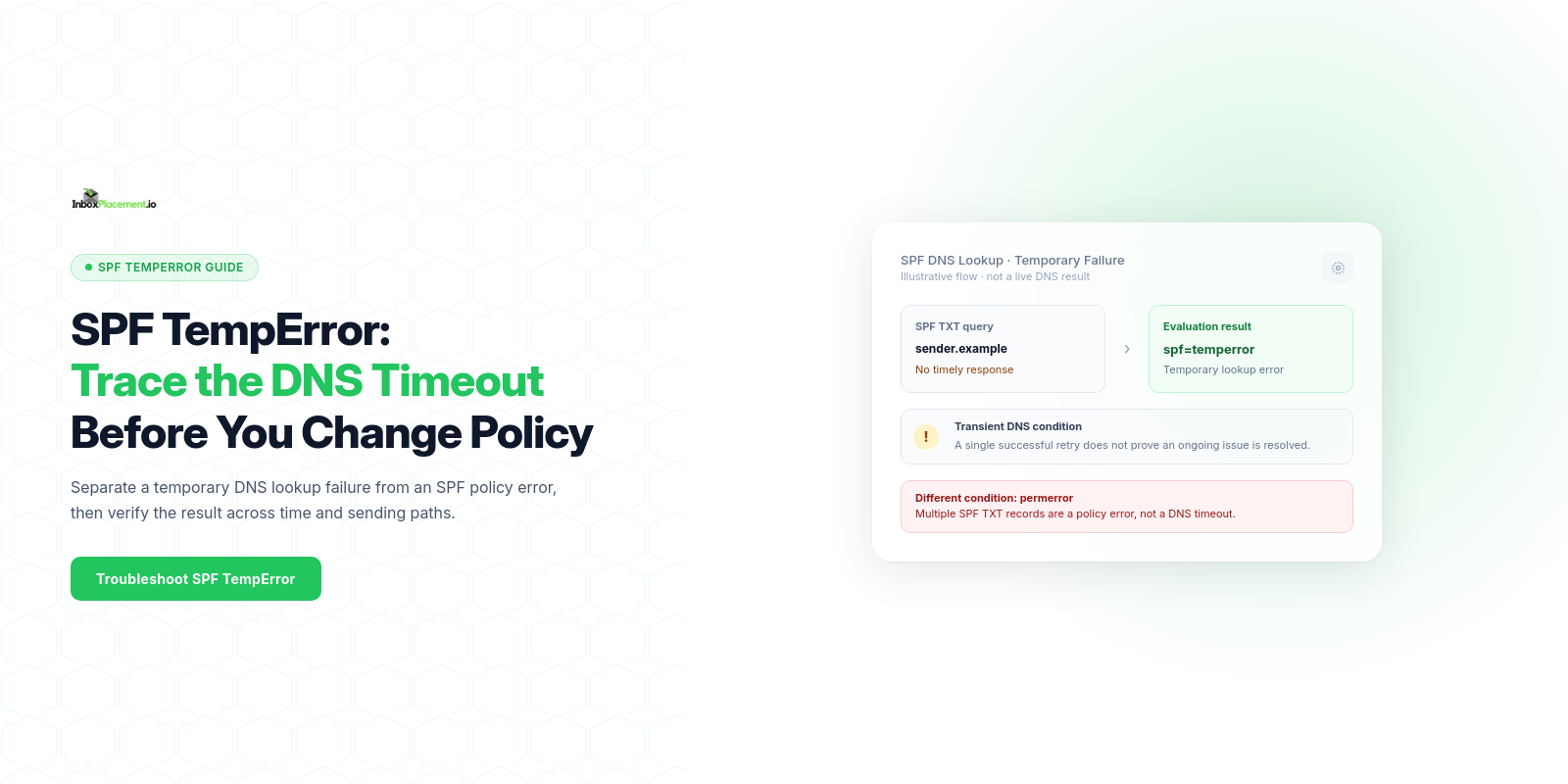
If you see an SPF temperror, it most commonly indicates a temporary DNS failure while a receiver queried the sending domain’s SPF TXT record — for example, the authoritative name server timed out or was unreachable. That symptom does not by itself prove the SPF record is permanently wrong, nor does it prove how receivers will ultimately treat messages (delivery, quarantine, or rejection are separate signals).
Direct diagnosis: what the symptom usually means and what it does not prove
Observed fact
- The receiver’s Authentication-Results header (or the receiving MTA log) shows spf=temperror for the message.
What this usually means (supported by Microsoft guidance)
- A temporary DNS failure occurred when querying the SPF record — typically the receiver could not reach or get a timely response from the domain’s authoritative DNS server. (Official source summarized below.)
What it does NOT prove (label these illustrative unless you can collect the evidence)
- It does not prove the SPF record is missing or permanently malformed.
- It does not prove messages will be rejected or placed in the inbox; mailbox placement depends on many signals (DMARC, DKIM, content, sender reputation, receiver policy).
- It does not prove a specific third-party sender is excluded unless you confirm the SPF content and IP checks.
The supplied image below is a synthetic general authentication example; it is not a live DNS response or evidence of an SPF temperror.
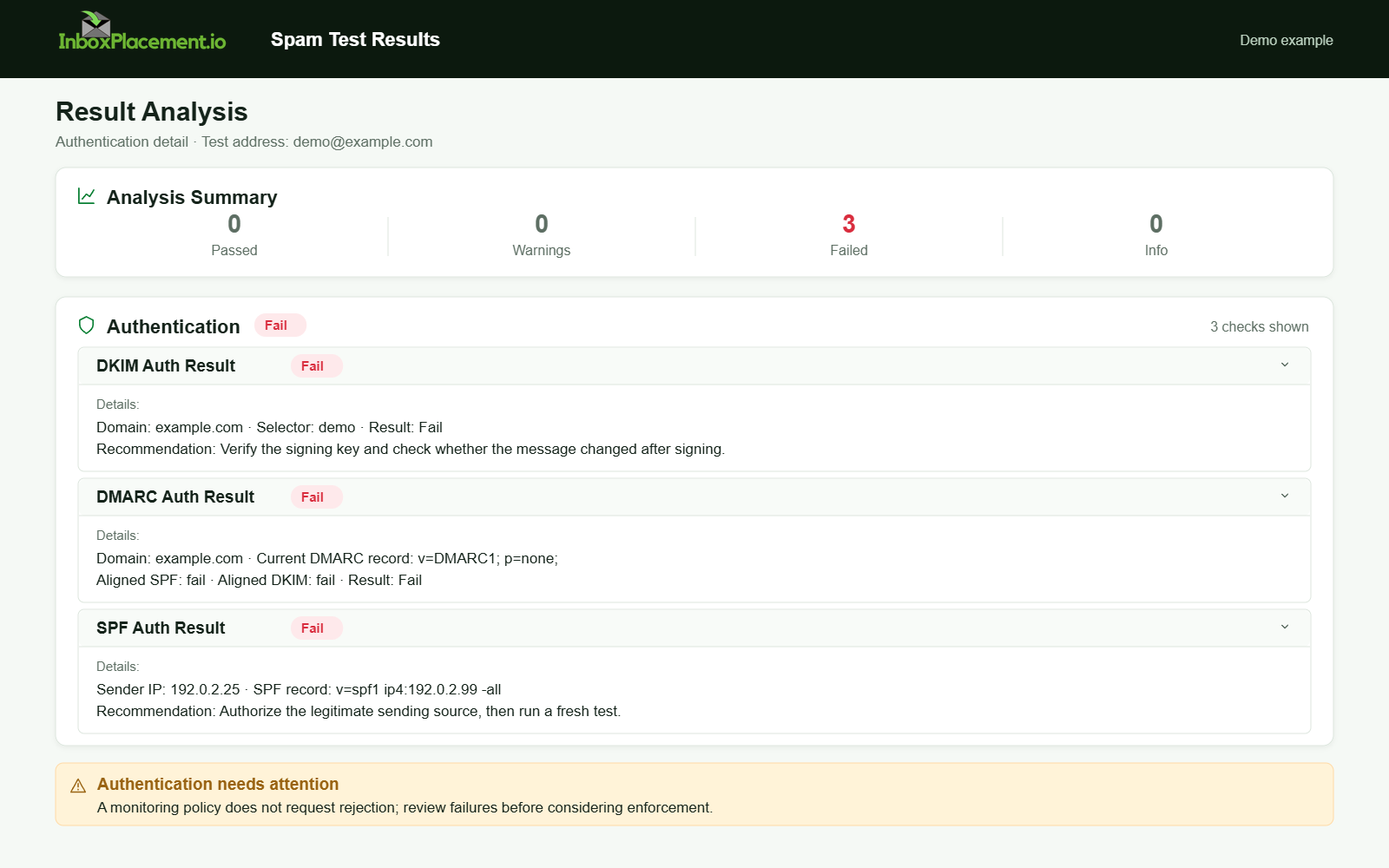
Demo example. Authentication failure diagnosis. Synthetic results for feature explanation; not a live test or customer outcome.
Evidence to collect before changing anything
Collect these items (each item separates observed evidence, likely causes, and safe actions below):
- Authentication-Results header line(s) from the message showing spf=temperror and any accompanying comments.
- Full Received headers for the delivery path and the receiver’s timestamp.
- The domain’s current DNS TXT responses for SPF from multiple public resolvers and directly from authoritative name servers (use dig/nslookup to query TXT for the sending domain and for any included mechanism domains).
- The raw SPF TXT record text and TTL values as returned by authoritative servers.
- Whether multiple SPF TXT records exist for the same domain.
- DNSSEC status for the domain (if DNSSEC is enabled, check validation).
- Recent changes or maintenance on the authoritative DNS service (provider incident reports).
- Whether the temperror repeats from multiple recipient providers or was a single transient hit.
- If available, receiving MTA logs showing DNS errors (timeouts, SERVFAIL).
Do not change DNS or authentication policy until you have the above evidence. Where you cannot collect a particular item, mark that gap and proceed cautiously.
A symptom-to-cause decision tree
Use this quick decision table to narrow likely causes and practical next tests. (If you lack a given data point, mark the scenario “illustrative” and gather the missing evidence.)
| Symptom / observed evidence | Quick diagnostic test to run | Likely next action (safe) |
|---|---|---|
| Authentication-Results: spf=temperror only once | Query TXT at authoritative servers and public resolvers (dig +trace / dig @authserver TXT) | If authoritative server returns timely TXT, wait and monitor; record timestamps |
| Repeated spf=temperror across multiple receivers | Query multiple public resolvers and authoritative servers right away | Contact DNS provider; check server reachability and recent changes |
| Authoritative server returns SERVFAIL or times out | Run direct dig @authserver TXT and check DNSSEC status | Check DNSSEC keys/validation and provider-side errors; escalate to DNS host |
| Multiple SPF TXT records found | Validate domain has a single SPF TXT record | Do NOT publish multiple records; plan a single consolidated SPF TXT with owner authorization |
| SPF TXT is present and correct on authoritative but resolvers vary | Compare responses from different recursive resolvers | Inspect caching, TTLs, and possible resolver filtering; consider coordinating with DNS provider |
Label any scenario where you lack logs or direct authoritative responses as illustrative — collect the missing evidence before making authoritative changes.
Possible root causes to investigate
These are diagnostic possibilities, not a measured frequency ranking. For each, separate observed evidence from a likely cause and confirm the cause before taking action.
- Authoritative DNS server unreachable or timing out
- Observed evidence: dig @authserver TXT times out or receiver logs show DNS timeout.
- Likely cause: DNS host outage, network path problem to the name server, or overloaded authoritative service.
- Safe action: Contact the DNS provider or service operator. If you operate the authoritative service, follow its documented incident or failover procedure. Do not alter DMARC enforcement during this step.
- Recursive resolver or network transient failures
- Observed evidence: Public recursive resolvers return SERVFAIL or timeouts intermittently, but authoritative responds when queried directly.
- Likely cause (illustrative): Network packet loss, resolver rate limiting, or temporary upstream DNS ISP issues.
- Safe action: Record timings, test from multiple resolver IPs, and open a ticket with the resolver/provider if persistent.
- DNSSEC validation failures (illustrative)
- Observed evidence: SERVFAIL with DNSSEC-related errors when resolving TXT from validating resolvers; authoritative dig shows DNSSEC signatures mismatched.
- Likely cause: Mismatched DS/DS keys or expired keys.
- Safe action: If DNSSEC is in use, verify key rollover procedures with the DNS host and do not remove DNSSEC without owner authorization.
- UDP packet size / truncation causing resolver retries (illustrative)
- Observed evidence: Truncated DNS responses or inconsistent TXT responses across resolvers.
- Likely cause: Large TXT/SPF responses causing fragmentation or UDP truncation.
- Safe action: If confirmed, consider reducing record size (e.g., consolidating includes) and ensure authoritative servers support EDNS0 and TCP fallback.
- Multiple published SPF TXT records (impactful but distinct error)
- Observed evidence: Two or more SPF TXT records exist for the domain.
- Note: Multiple records cause permerror in many implementations, not a temperror; treat this as separate diagnostic. Verify with authoritative evidence before changing.
Safe remediation steps with clear limitations
For each remediation step, I list what evidence should be present before you act and what limitations to observe.
- Verify authoritative server reachability (safe, immediate)
- Evidence required: dig @authserver TXT returns the SPF record reliably.
- Action: If authoritative is down, restore or failover to a healthy nameserver. Coordinate with DNS provider.
- Limitation: DNS changes have TTLs; do not expect immediate global consistency.
- Avoid publishing multiple SPF TXT records (requires owner authorization)
- Evidence required: authoritative TXT shows multiple SPF strings.
- Action: Plan a single consolidated SPF TXT. Prepare and validate the final string first.
- Limitation: Consolidation may change which senders are authorized; test with a narrow scope or staging subdomain if available.
- Reduce SPF lookup complexity when authoritative responses are healthy but resolvers fail intermittently (illustrative)
- Evidence required: authoritative returns correct TXT but some resolvers fail or timeout.
- Action: Simplify SPF (reduce includes/mechanisms) only after validating which includes are actively used; use safe changes during maintenance windows.
- Limitation: Removing legitimate includes can cause real SPF failures (softfail/fail) — gather sender-IP evidence before removing mechanisms.
- Address DNSSEC or provider-specific errors (safe via coordination)
- Evidence required: DNSSEC failure logs or provider incident report.
- Action: Coordinate key rollover or provider fixes; avoid disabling DNSSEC without owner-level authorization.
- Limitation: Changes to DNSSEC require careful sequencing and can cause broader outages if mishandled.
- Emergency measures (only with explicit owner authorization)
- Allowed: Narrow, time-limited rollbacks such as temporary DNS failover to a known-good zone host or restoring a previous working zone.
- Not allowed: Weakening DMARC policy; do not advise moving p=reject/quarantine to none unless the domain owner explicitly authorizes a scoped, time-limited change with rollback criteria.
How to verify the change with a real message or controlled test
Observed evidence to collect after changes
- A fresh message sent after the change to a controlled mailbox where you can inspect full headers.
- The Authentication-Results header from the receiving system showing the spf result (and DKIM/DMARC if present).
- Received headers showing delivery path and timestamps.
Step-by-step verification
- Send a controlled test message from a known sending IP that normally exercises your SPF (ideally the same mail server used in production).
- Retrieve the full message source at the recipient and inspect the Authentication-Results header and the Received sequence.
- Look for an Authentication-Results line with one SPF result:
pass,softfail,fail,temperror, orpermerror. Preserve any accompanying comments.
- Look for an Authentication-Results line with one SPF result:
- If you see spf=pass, this indicates the receiver could successfully evaluate the SPF record at that time. If you still see temperror, repeat DNS tests against the authoritative server and contact DNS provider.
- Test with at least two major recipient providers (e.g., Gmail and a Microsoft 365 mailbox) because each provider uses its own resolvers and caching.
What the test proves and what it cannot
- Proves: At the test time, the receiver could resolve and evaluate the SPF record (or not).
- Does NOT prove: Long-term availability, global propagation at every resolver, or that messages will be placed in the inbox. Authentication results are one signal among many.
Prevention and monitoring checklist
Use this checklist to reduce recurrence (gather evidence and schedule actions):
- Monitor authoritative DNS server uptime and response times.
- Keep at least two healthy authoritative name servers in different networks/locations.
- Record and monitor TTL and propagation behavior after changes.
- Use provider status pages and alerts to catch outages early.
- Configure SPF, DKIM, and DMARC for sending domains, following each receiver’s requirements. Google requires SPF or DKIM for all senders and SPF, DKIM, and DMARC for bulk senders; it recommends all three (see Sources).
- Log and store Authentication-Results and MTA DNS errors for post-incident review.
- Before changing SPF records, collect a list of all sending IPs and third-party includes; test on a staging subdomain when possible.
- If using DNSSEC, plan key rollovers carefully and validate signatures immediately after changes.
FAQ
What exactly triggers an SPF temperror?
An SPF temperror typically indicates a temporary DNS failure occurred while a receiver queried the SPF TXT record — for example, the authoritative name server was unreachable or timed out. This definition follows Microsoft’s troubleshooting guidance.
Should I weaken my DMARC policy if SPF temperrors are blocking mail?
No. Do not weaken DMARC enforcement as a first-line fix. Any change to DMARC should be owner-authorized, narrowly scoped, time-limited, and tied to explicit rollback criteria. Address DNS/server availability issues first.
How long should I wait after a DNS fix before retesting?
Wait for the authoritative servers to respond correctly, then retest immediately and again after typical TTL windows. Because caches vary, consider repeating tests from multiple public resolvers and from the target recipient providers.
For additional controlled seed-placement evidence after a change, run an InboxPlacement test and compare its results with authentication headers from actual delivery. Seed results describe the test messages, not every future send.
Sources
-
Microsoft 365 email-authentication troubleshooting — Microsoft identifies SPF temperror as a temporary DNS failure, such as an unreachable or timed-out authoritative DNS server. Use this to prioritize DNS-reachability checks.
-
Gmail email sender guidelines — Google’s requirements vary by sender volume: all senders need SPF or DKIM, while bulk senders need SPF, DKIM, and DMARC. Google recommends configuring all three.