
Email Deliverability · Email Marketing · Email Authentication · Campaign Checklist · Unsubscribe
Marketing Email Deliverability Best Practices: Checklist
· InboxPlacement.io Team
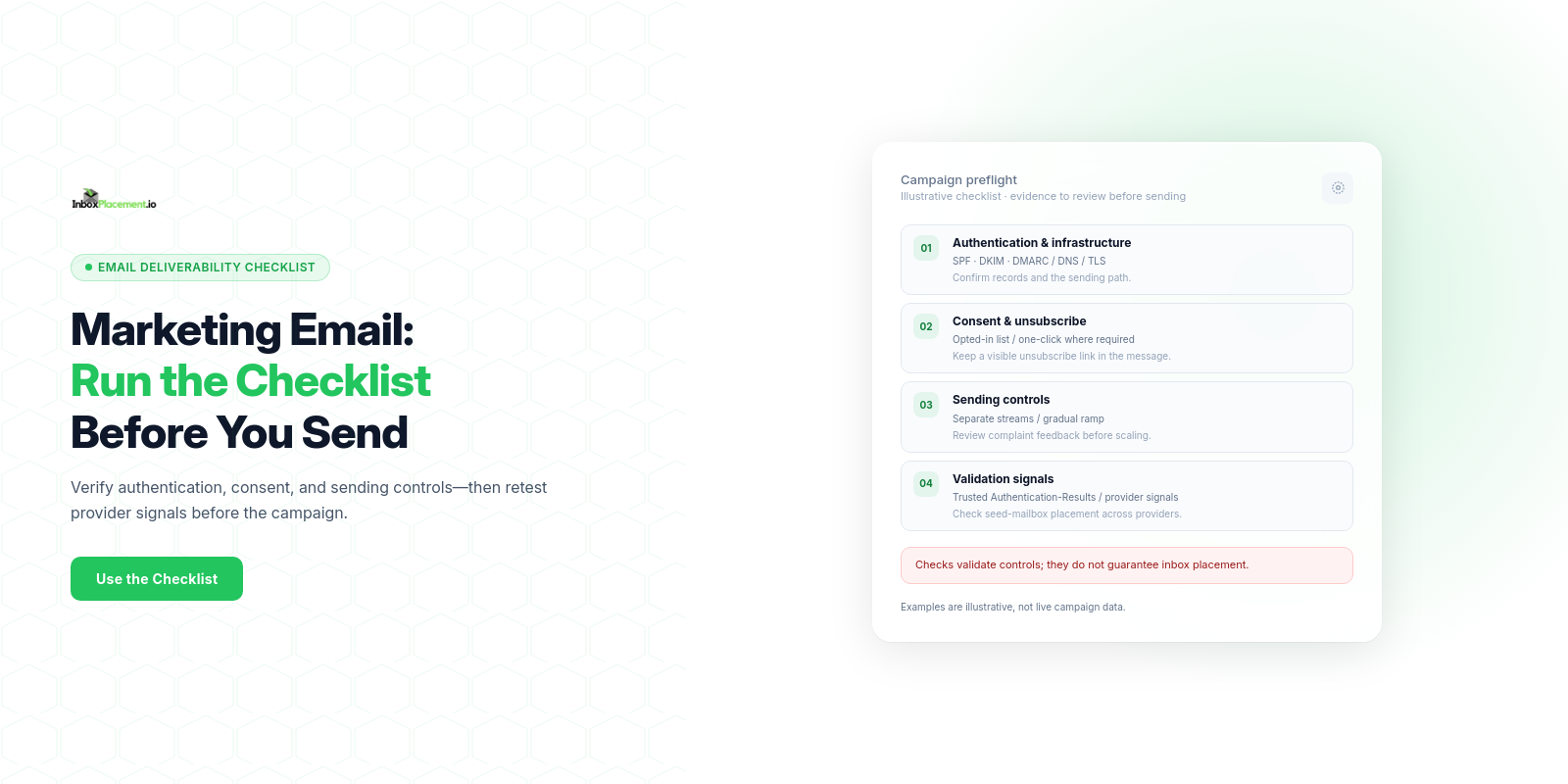
Use this checklist to collect evidence, validate authentication and unsubscribe handling, and review provider signals. Passing technical checks does not guarantee inbox placement.
Who this checklist is for and the outcome it supports
This checklist is for marketing teams, deliverability engineers, and IT owners preparing regular or high-volume marketing sends. Outcome supported: a repeatable implementation process that collects required evidence, applies safe actions, and defines clear retest criteria and monitoring so mailbox-provider signals can be validated after changes.
Prerequisites and evidence to collect
Collect these items before you change sending behavior or routing:
- Sending inventory: list of sending domains, subdomains, sending IPs, and ESPs.
- Authentication records (DNS text): current SPF record, DKIM selectors, and DMARC record. Record the published policy (\
p=none\\, \p=quarantine\\, or \p=reject\\). Do not weaken enforcement without explicit owner authorization and rollback criteria. - Recent-send evidence: bounce and complaint metrics, unsubscribe handling, and representative message headers.
- Receiver-facing evidence: trusted \
Authentication-Results\\headers from representative messages at relevant mailbox providers. - Infrastructure checks: valid forward and reverse DNS for sending IPs, plus TLS availability on the sending path.
- Unsubscribe handling: \
List-Unsubscribe\\headers, one-click support where required, visible body links, and verified suppression after a request.
Collect these artifacts as text or DNS queries; do not assume a DNS or authentication check alone proves inbox placement.
Step-by-step implementation checklist
This checklist groups actions into Setup, Content & List Hygiene, and Send Controls. Mark each completed and retain the evidence items listed above.
Setup (authentication & DNS)
- Verify SPF and DKIM records exist for every sending domain. Save the DNS record text and TTL.
- Publish or verify a DMARC record; record the policy and \
rua\\tag presence. Do not weaken an existing DMARC enforcement policy without owner sign-off, narrow scope, a time limit, and rollback criteria. - Confirm forward and reverse DNS for each sending IP.
- Ensure the sending path uses TLS as required by the mailbox providers you target; verify with SMTP logs rather than assuming configuration is active.
Content, unsubscribe, and list handling
5. Add a functioning \List-Unsubscribe\\ header and a visible body link. For Gmail bulk-sender one-click, use the HTTPS header and \List-Unsubscribe-Post: List-Unsubscribe=One-Click\\ method. Yahoo highly recommends the POST method and says a \mailto:\\ method is acceptable; do not treat \mailto:\\ as Gmail's POST-based one-click mechanism.
6. Test the unsubscribe flow and suppress the address from future marketing sends within the applicable provider timeframe. Yahoo says bulk senders should honor requests within 2 days.
7. Remove stale addresses and apply double-opt-in or recent engagement reconfirmation for dormant lists (illustrative).
Sending controls and reputation
8. Stage volume increases: ramp new IPs or domains gradually and monitor provider feedback (illustrative).
9. Keep complaint management processes in place; monitor complaint feedback loops where available.
10. Maintain message formatting compliant with \RFC 5321\\ and \RFC 5322\\.
Operational items
11. Save representative \Authentication-Results\\ headers from messages sent to Gmail, Yahoo, and Outlook for later validation.
12. Document any third-party sending services and their authentication delegation (who holds DKIM keys, SPF include entries).
Mailbox-provider or protocol-specific requirements
- Gmail personal accounts: all senders must use SPF or DKIM, valid forward and reverse DNS, and TLS; Google also says to keep Postmaster Tools spam rates below 0.3%. Senders delivering more than 5,000 messages per day to Gmail must use both SPF and DKIM and publish DMARC (a monitoring policy of \
p=none\\is allowed). For these bulk senders, the \From:\\domain must align with SPF or DKIM, and marketing or subscribed messages must support one-click unsubscribe and include a visible body link. - Yahoo: all senders must use SPF or DKIM, maintain valid forward and reverse DNS, and keep complaint rates below 0.3%. Bulk senders must use both SPF and DKIM, publish a valid DMARC policy of at least \
p=none\\and pass DMARC, align the \From:\\domain with SPF or DKIM, provide a functioning \List-Unsubscribe\\method and visible body link, and honor unsubscribes within 2 days. Yahoo strongly recommends a \rua\\destination and highly recommends POST-based one-click unsubscribe.
These are provider-specific requirements, not universal thresholds or guarantees. Check the current rules for your sender category and destination before each major campaign.
When you implement provider-specific items, collect the same evidence artifacts (DNS record text, \Authentication-Results\\ headers, and \List-Unsubscribe\\ output) so you can validate changes.
Practical decision checklist (signal → observed evidence → likely causes → safe action → retest criteria)
| Signal | Observed evidence to collect | Likely cause (illustrative) | Safe action | Retest criteria |
|---|---|---|---|---|
| SPF/DKIM absent or failing | DNS TXT for SPF/DKIM, \Authentication-Results\\ (shows fail/none) | Missing DNS record; selector mismatch; delegated signing by vendor (illustrative) | Publish correct DNS; coordinate with vendor for DKIM keys; keep records and TTLs | DNS lookup shows new TXT; \Authentication-Results\\ shows pass for DKIM/SPF |
DMARC record missing or \p=none\\ desired for monitoring | DMARC TXT, \rua\\ tag | Not configured or only monitoring intended | Publish DMARC with \rua\\ for reporting; do not increase enforcement without owner sign-off | DMARC DNS resolves; aggregate reports begin arriving at the \rua\\ destination |
| Missing or nonfunctional one-click unsubscribe | Raw message headers and a completed unsubscribe test | Header absent, malformed, or disconnected from suppression processing | Implement the provider-required header method and visible body link; confirm suppression after a test request | Headers meet the destination provider's rules and the test address receives no further marketing sends |
| TLS not used | SMTP transaction logs | Legacy relay or missing \STARTTLS\\ requirement (illustrative) | Enable \STARTTLS\\ and validate the certificate chain | SMTP connection negotiates TLS during the handshake |
Labelled examples above are illustrative; real causes should be determined from your collected evidence.
Common mistakes and how to avoid them
Observed fact: A missing or misconfigured DNS record appears in \Authentication-Results\\ as a failure or absent result.
Possible causes (illustrative): Typo in TXT record, wrong selector, DNS TTL propagation issues.
Recommended safe actions: Validate DNS syntax with your registrar/host, coordinate DKIM keys with any ESP, and wait for TTL before retest.
Observed fact: Unsubscribe flows are present but not honored quickly. Possible causes (illustrative): Backlog in unsubscribe processing or separate system for preferences. Recommended safe actions: Ensure unsubscribe endpoint is reachable; implement immediate suppression of send lists; log and verify unsubscribe timestamps.
Always separate these signals: DMARC result, published DMARC policy, receiver disposition (spam/inbox/quarantine), delivery receipt, and inbox placement. None alone proves placement.
Validation and retest criteria
Validation gates (what to check to declare a change validated):
- Authentication: SPF and DKIM DNS TXT records resolve as published; \
Authentication-Results\\headers show SPF/DKIM/DMARC pass where expected. A pass means the receiver verified an authentication mechanism; it does not guarantee inbox placement. - DMARC: The published DMARC record resolves and, if used for monitoring, \
rua\\reports are received. Do not interpret \p=none\\as an enforcement guarantee. - Unsubscribe: The \
List-Unsubscribe\\headers meet applicable provider rules, and a test unsubscribe stops future marketing sends to that address within provider guidance. - Provider-specific metrics: confirm provider guidance items (e.g., forward/reverse DNS, TLS) are in place.
Retest plan:
- After DNS or header changes, allow propagation (based on your TTL), then send staged test messages to seed addresses across Gmail, Yahoo, and Outlook.
- Collect \
Authentication-Results\\from each provider and compare them with pre-change evidence. - If any authentication fails, roll back or iterate per your documented rollback criteria. Do not change DMARC enforcement without explicit authorization and a clear rollback plan.
What tests cannot prove:
- Passing SPF/DKIM/DMARC or seeing a delivery receipt cannot prove that messages will consistently land in the inbox. Inbox placement is controlled by mailbox provider classifiers and engagement signals beyond technical authentication.
- An \
Authentication-Results\\header reports the receiver’s evaluation for that message; it does not prove future messages will receive the same treatment.
Ongoing monitoring and maintenance
- Weekly: Collect DMARC aggregate reports sent to the \
rua\\destination and review for unexpected sources. - Daily/after-campaign: Save representative \
Authentication-Results\\headers and complaint/unsubscribe counts. - After any change to IPs, domains, ESPs, or templates: re-run validations and seed tests.
- Maintain a documented ramp plan for volume increases and any emergency rollback criteria; require owner sign-off for DMARC enforcement changes.
FAQ
How do I use the Authentication-Results header when debugging?
Collect \Authentication-Results\\ from multiple providers to see how each evaluated SPF, DKIM, and DMARC for a message. Treat the header as evidence of that message's evaluation, not proof of inbox placement.
Should I set DMARC to \p=quarantine\\ or \p=reject\\ immediately after implementing SPF and DKIM?
No. Any increase to DMARC enforcement should be authorized by the domain owner, applied narrowly, have a time limit, and include rollback criteria. If the domain is in an authorized monitoring phase, \p=none\\ can collect reports but does not enforce. Confirm authentication across providers before changing policy, and do not weaken an existing enforcement policy.
Use InboxPlacement's inbox placement test to compare authentication signals and observed seed-mailbox placement after an authorized change. Seed results are samples, not a guarantee for every recipient.
Sources
- Gmail email sender guidelines — Google Support guidance for sender authentication, TLS, spam rates, and bulk-sender requirements.
- Yahoo Sender Best Practices — Yahoo guidance for authentication, list-unsubscribe, complaint rates, DNS, and bulk senders.