
deliverability · seasonal-campaign · authentication
Holiday Spam Complaint Rate Troubleshooting Playbook
· InboxPlacement.io Team
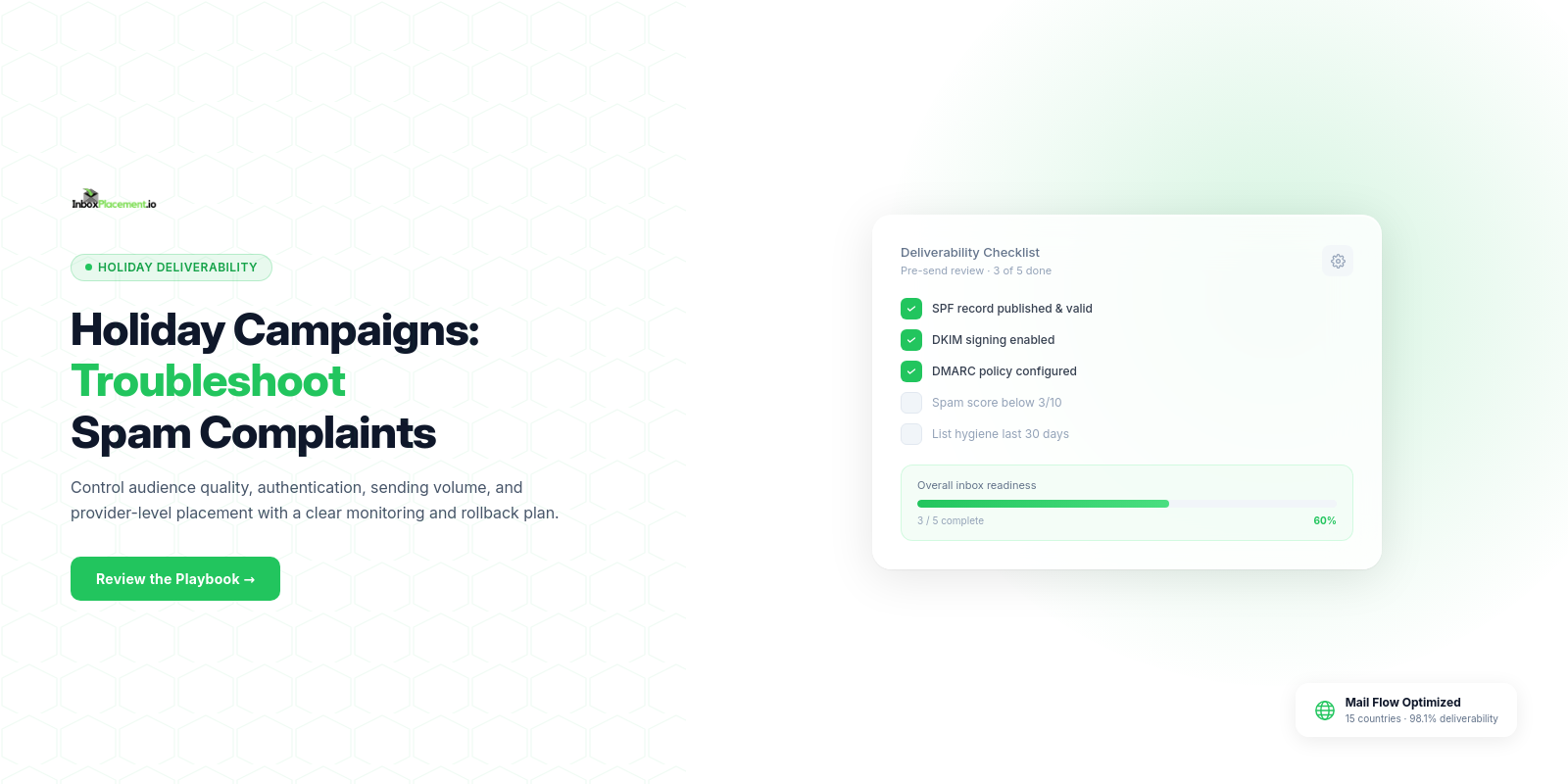
Start here: before you send a holiday or seasonal blast, control five correlated risks — audience consent and list hygiene, authentication readiness, sudden volume changes, pre-send inbox placement signals, and an explicit rollback/retest plan — so you can identify whether rising spam complaints reflect audience issues, authentication failures, or provider-specific filtering and respond with minimal reputation damage.
Campaign deliverability risks to control before sending
Observed evidence
- Authentication failures can coincide with messages being quarantined, rejected, or routed to Junk;
Authentication-Resultsheaders show how receivers evaluated SPF/DKIM/DMARC, which may be one of several signals receivers use when deciding disposition. - Major mailbox providers publish sender expectations that connect authentication, low spam rates, and unsubscribe behavior to inboxing decisions.
Likely causes
- Sending to stale or non‑consenting addresses (illustrative).
- Missing or broken SPF/DKIM/DMARC records, or exceeding SPF lookup limits.
- Sudden, large increases in sending volume from a domain or IP without a ramp.
- Missing
List-Unsubscribeor slow unsubscribe handling for promotional mail.
Recommended actions (high level)
- Verify audience consent and reduce risky segments before any volume spike.
- Confirm SPF/DKIM/DMARC are publishing correctly and that
Authentication-Resultsheaders on received messages show the intended signals. - Run pre‑send inbox placement tests across Gmail, Outlook, and Yahoo (see testing section).
- Create rapid monitoring and rollback criteria tied to complaints, defers, and placement changes.
Retest criteria
- Re-run the same inbox placement test and authentication checks after fixes; review
Authentication-Resultsfor each provider, compare mailbox provider placement signals, and monitor complaint feedback for any increase.
Planning timeline and ownership before a seasonal volume increase
Observed evidence
- Seasonality requires cross‑team coordination (marketing, deliverability, DNS/ops, product) and defined owners for fast decisions.
Recommended actions
- Assign a campaign owner and an authentication owner at least 3 weeks before the start (illustrative timeline).
- Map escalation paths and who authorizes rollback. Define monitoring owners and the toolset to use for provider‑level telemetry and feedback loops.
- Schedule a dry run to validate capacity, templates, and upstream systems 7–10 days before the peak send.
Retest criteria
- After the dry run, confirm no new
Authentication-Resultsfailures on test messages and that seed inbox tests show comparable provider placements (see testing section).
Audience consent, segmentation, suppression, and list‑hygiene checks
Observed evidence
- High complaint rates often trace to sending to disengaged or non‑consenting recipients (illustrative).
Checklist: audience readiness
| Check | Observed evidence | Likely cause if failing | Recommended action | Retest criteria |
|---|---|---|---|---|
| Consent flags present | Subscribers without opt‑in source | Purchased or stale list (illustrative) | Suppress, re‑engage with confirmed opt‑in only | Run a small re‑engagement test; monitor complaints via CFLs |
| Recent engagement segmenting | Large send to >12 months inactive | Dormant contacts drive complaints (illustrative) | Exclude long‑inactive contacts, or throttle sends | Send to a 1% seed and review placement & complaints |
| Unsubscribes honored quickly | Delayed unsubscribe handling | Legal and complaint risk | Ensure unsubscribes processed within 2 days (Yahoo guidance) | Confirm unsubscribe behavior on multiple inboxes |
List-Unsubscribe header present | Missing header on promotional mail | Increases complaint probability | Add a functioning List-Unsubscribe header that supports one-click unsubscribe; Yahoo recommends the RFC 8058 POST method | Verify header on test messages |
Note: the table offers a structured decision flow. Labelled examples are illustrative and not measurements.
Recommended actions (details)
- Prefer engagement-based segmentation; avoid sending broad holiday blasts to long‑inactive recipients.
- For bulk senders, implement a functioning
List-Unsubscribeheader that supports one-click unsubscribe for promotional mail, and honor requests within two days as Yahoo requires (see Sources). - Use suppression lists for hard bounces and recent complainers.
Retest criteria
- After suppressions and fixes, send a controlled seed test and a small live sample; check complaint Feedback Loops and provider dashboards for the sampled domain.
Authentication, reputation, and sending‑stream readiness
Observed evidence
- Authentication helps receivers detect spoofing and phishing; when authentication fails, receivers may quarantine, reject, or route messages to Junk. Microsoft documents common SPF failure symptoms and causes (see Sources).
Likely causes
- No SPF TXT record, multiple SPF records, or SPF exceeding 10 DNS lookups.
- DKIM not signing the messages, or misaligned selectors.
- DMARC not published or misconfigured for your sending pattern.
Safe actions
- Verify SPF, DKIM, and DMARC are published and syntactically correct. Do not assume a single pass proves inbox placement — authentication is one of several signals.
- Confirm that SPF records do not exceed DNS lookup limits and that the sending IPs are included.
- Publish DMARC with an appropriate policy for your rollout; never advise weakening an existing DMARC enforcement policy as a routine fix. Any emergency DMARC change requires explicit owner authorization, narrow scope, a time limit, and rollback criteria.
- Inspect the
Authentication-Resultsheader on received test messages to see how each receiver evaluated SPF/DKIM/DMARC; treatAuthentication-Resultsas diagnostic, not proof of placement.
Retest criteria
- After changes, send signed test messages to mailbox providers and confirm
Authentication-Resultsshows the expected pass/fail state for SPF/DKIM/DMARC. Re-run if any provider shows failures.
What authentication checks cannot prove
- A DNS or authentication check cannot prove inbox placement. Authentication indicates whether a receiver’s checks succeeded; delivery path, mailbox filtering, and user actions remain separate signals.
Pre‑send spam and inbox‑placement testing across Gmail, Outlook, and Yahoo
Observed evidence
- Providers use different filtering signals; a cross‑provider seed test helps highlight provider‑specific issues (illustrative).
Recommended actions
- Seed test your final campaign content (real subject,
From:, template, and links) to representative inboxes across Gmail, Outlook (Microsoft 365/Exchange), and Yahoo. - Collect these items from each seed message for diagnosis: the raw message source including
Authentication-Resultsheaders, any bounce or SMTP response headers, visibleList-Unsubscribeheader value, and a screenshot or export of the message as displayed in the inbox (for format and unsubscribe placement). Do not include screenshots in this article; collect them for your incident review. - Inspect provider‑level signals:
Authentication-Resultsheaders, presence ofList-Unsubscribe, message formatting (RFC 5322), and any provider‑specific notes returned. - Interpret seeds together with provider guidance: Gmail and Yahoo document spam‑rate guidance in their sender guidance (see Sources).
Illustrative scenario
- If seeds show Gmail routing some mail to Spam while Yahoo shows delivery to Inbox (illustrative), focus on Gmail‑specific signals (content, rate, Postmaster metrics) and the
Authentication-ResultsGmail returned for those messages.
Retest criteria
- After fixes, re-run the identical seed test and compare
Authentication-Resultsand placement across the same mailbox addresses.
Launch‑day monitoring: deferrals, bounces, complaints, placement changes
Observed evidence
- Deferrals and rising soft‑bounces often precede larger delivery problems; complaint spikes can reflect audience or content problems (illustrative).
What to monitor (operational)
- Bounce types and rates (hard vs soft) and SMTP bounce codes.
- Complaint counts from provider complaint feedback loops (CFLs) and any mailbox provider dashboards.
- Deferral reasons and throttling messages from upstream MTAs.
- Seed inbox placement results compared against baseline.
Separate observed facts, likely causes, and immediate actions
- Observed: sudden rise in complaints (fact). Likely cause: inclusion of stale or mistaken recipient segment (illustrative). Immediate safe action: pause further sends from the affected stream, tighten suppression for recent complaints, and investigate
Authentication-Resultsheaders and bounces. - Observed:
Authentication-Resultsshows DKIM fail at a provider (fact). Likely cause: key rotation mismatch or signing domain misconfiguration (illustrative). Immediate action: stop the campaign for that domain if complaints increase; fix DKIM and retest on seed addresses.
Retest criteria
- After any stop or fix, send a small control batch and re-evaluate seed placements,
Authentication-Resultsheaders, and complaint feedback for the impacted domain.
Rollback, retest, and post‑campaign reputation recovery plan
Observed evidence
- Rapid rollback and targeted retest help limit ongoing reputation damage; recovery involves suppressions and gradual re‑ramp (illustrative).
Rollback decision table (simplified)
| Trigger (observed) | Immediate action | Owner authorization required | Retest after action |
|---|---|---|---|
| Complaints spike above defined operational threshold (illustrative) | Pause affected stream; apply suppression for recent complainants | Campaign owner + deliverability lead | Small control batch + seed test, check Authentication-Results |
| Provider rejects or returns specific error codes | Stop sends to that provider’s domain, review bounce codes | Authentication/ops owner | After fix, test to a small set of recipient addresses |
| Authentication failures across providers | Pause, investigate DKIM/SPF/DMARC | Authentication owner | Re-send signed test messages, verify Authentication-Results |
Important constraints
- Never advise weakening an existing DMARC enforcement policy as a routine fix. Any emergency change to DMARC requires explicit owner authorization, narrow scope, a defined time limit, and clear rollback criteria.
Post‑campaign recovery actions
- Suppress complainants and high‑risk segments for an extended cooldown (illustrative).
- Re‑engage with confirmed opt‑ins only, using progressive ramps and tight monitoring.
- Continue running seed tests and monitor provider dashboards for reputational indicators (Postmaster Tools, Complaint Feedback Loops).
FAQ
How quickly can authentication problems cause inbox placement changes?
Observed fact: receivers evaluate authentication during message processing; authentication failures can immediately affect disposition. Exact timing depends on the provider's filtering rules and your sending footprint (illustrative).
Does a passed SPF/DKIM/DMARC check guarantee inbox placement?
No. Authentication results are one signal. A pass reduces some risks but does not prove inbox placement — content, recipient engagement, sending volume changes, and provider heuristics also determine placement (illustrative).
Where can I see provider guidance about spam‑rate thresholds?
Gmail and Yahoo document spam‑rate guidance and sender requirements; consult provider Postmaster or Sender Guidance for current thresholds and enforcement notes (see Sources).
Run an InboxPlacement test to collect Authentication-Results headers and provider placement after applying the recommended changes; use those artifacts when troubleshooting with provider support.
Sources
-
Microsoft: Troubleshoot email authentication in Microsoft 365 — Microsoft states that email authentication and DNS records help protect against spoofing and that when authentication fails, legitimate messages can be quarantined, rejected, or routed to the Junk Email folder. It also lists common SPF failure symptoms and causes.
-
Yahoo: Sender Best Practices and Sender Requirements FAQ — Yahoo requires bulk senders to use SPF and DKIM, publish a valid DMARC policy with at least
p=none, support one-click unsubscribe for promotional mail, honor unsubscribes within two days, and keep spam rates below 0.3%. -
Google: Email sender guidelines and Email sender guidelines FAQ — Google advises senders to keep user-reported spam rates below 0.1% and prevent them from reaching 0.3% or higher. The guidelines also cover SPF, DKIM, DMARC, TLS, RFC 5322 formatting, DMARC enforcement for Gmail From-address impersonation, and domain alignment.