
Email Deliverability · Black Friday · Email Authentication · Inbox Placement
Black Friday Email Deliverability Checklist Playbook
· InboxPlacement.io Team
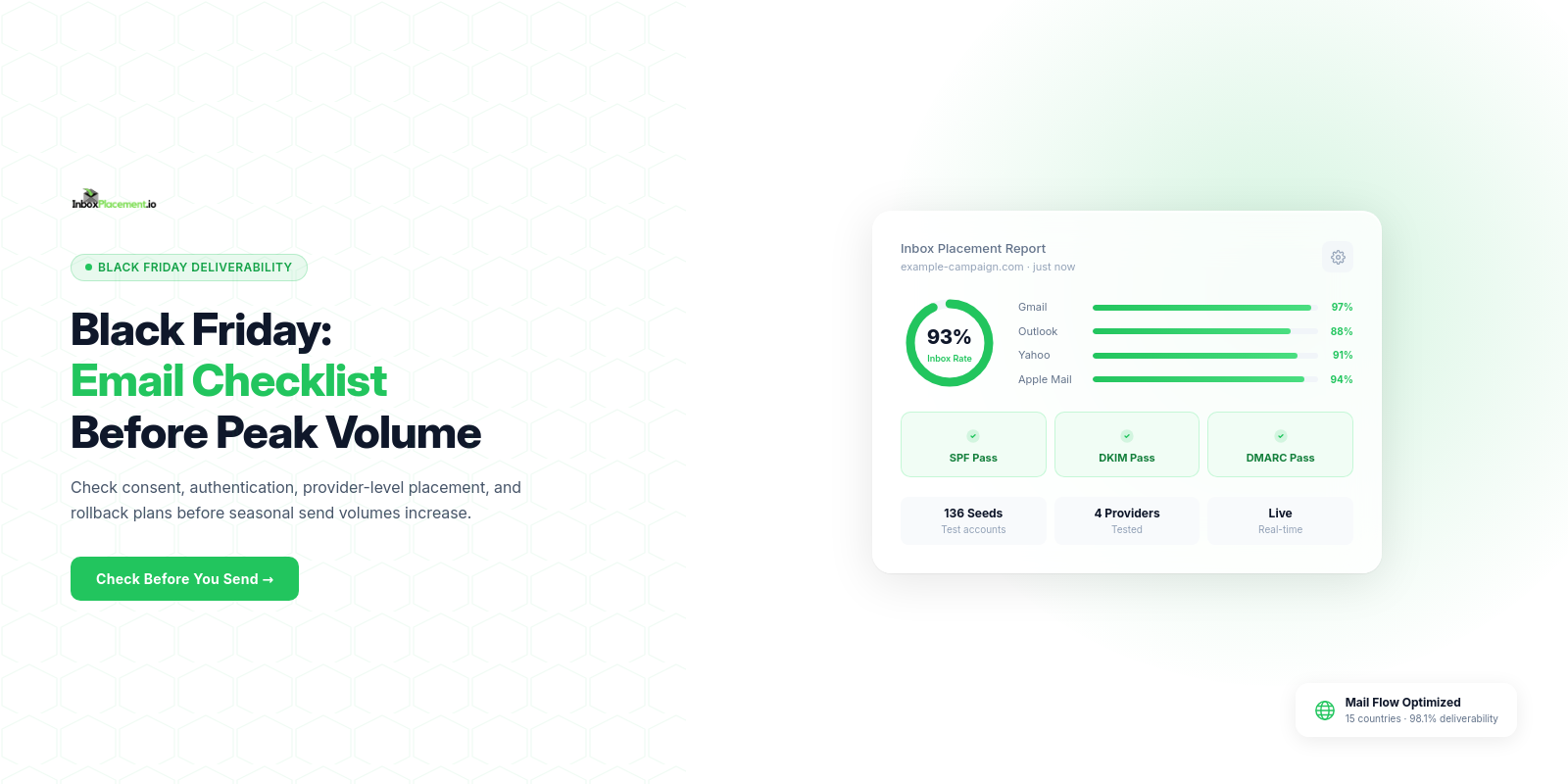
Control these campaign risks before you send: audience consent and stale addresses, sudden volume spikes, missing or misconfigured authentication, and lack of provider‑specific inbox testing and monitoring. Address each risk with ownership, a pre‑send checklist, a launch‑day monitoring plan that reads Gmail/Outlook/Yahoo separately, and a clear rollback + retest sequence.
Risks to control before sending Black Friday campaigns
Observed evidence
- Rapid list growth, recent reactivations, or large batches of old addresses in the campaign target.
- Authentication checks showing missing or failing SPF/DKIM/DMARC records (see the
Authentication-Resultsheader in message traces). - Historical increases in bounces, spam complaints, or sudden placement shifts visible per provider.
Likely causes (illustrative)
- A large volume spike sent from the same domain/IP can trigger provider bulk‑sender controls (illustrative).
- Forwarding or mailing-list modifications breaking SPF alignment (illustrative).
- Templates or frequency increases that raise complaint likelihood (illustrative).
Recommended actions
- Verify audience consent and suppression logic; run provider‑level tests (Gmail, Outlook, Yahoo).
- Validate SPF, DKIM, and DMARC before the peak; confirm message headers include
Authentication-Resultsand show expected results. - Stage volume increases (ramp) rather than sending your full traffic surge in one window.
- Assign owners for pre-send, launch monitoring, and rollback authority.
Retest criteria
- All authentication checks return the expected pass states in
Authentication-Resultsfor the test messages (see “What this cannot prove” below). - Inbox placement tests show acceptable provider placements for a representative seeded sample.
- Monitoring alert thresholds are configured and validated.
Note: illustrative scenarios above are unverified examples intended to show common failure modes; they are not measurements of any campaign.
Planning timeline and ownership before the seasonal volume increase
Observed evidence
- Campaign calendar, sending streams, and a count of recipients per stream.
- Change records for domain, IP, ESP, or template changes made in the prior 90 days.
Likely causes
- Missing approvals, last‑minute list imports, or cross‑team miscommunication causing unexpected volume to a given domain/IP.
Recommended actions
- Create an ownership RACI: who signs off on audience, who controls authentication/DNS, who can initiate rollback.
- Schedule checkpoints:
- T-minus 14 days: final authentication, DMARC reporting checks, and list hygiene plan.
- T-minus 7 days: seed testing to Gmail, Outlook, Yahoo (full template).
- T-minus 48–24 hours: low-volume soft send to a control cohort; validate
Authentication-Resultsand placement. - Launch window: live monitoring only by designated owners.
- Define rollback authority: one named technical owner and one business owner who can pause sends.
Retest criteria
- Each checkpoint produces a signed checklist item and documented test results that meet the pass criteria below.
Audience consent, segmentation, suppression, and list‑hygiene checks
Observed evidence
- Timestamps of last engagement and source of subscription (double opt-in, single opt-in).
- Current suppression list exports and unsubscribe-processing logs.
Likely causes
- Sending to inactive or purchased lists increases bounce and complaint risk (illustrative).
- Duplicate or malformed addresses can create avoidable bounce risk; sender-path changes can independently cause authentication misalignment (illustrative).
Recommended actions
- Segment by recency and engagement; prefer a targeted active segment for initial high-volume sends.
- Apply strict suppressions: unsubscribes, hard bounces, abuse reports, and global suppress lists must be enforced.
- Remove or re‑engage addresses that haven’t opened or clicked in a defined period—treat any reactivation as illustrative risk and test small scale first.
- Ensure the
List-Unsubscribeheader is present for bulk marketing messages (Yahoo recommends easy unsubscribe).
Retest criteria
- Send a control batch to the target segment; confirm deliverability signals and that unsubscriptions process within expected timeframes.
SPF, DKIM, DMARC, reputation, and sending‑stream readiness
Observed evidence
- DNS TXT records for SPF and DMARC, DKIM selector records, and
Authentication-Resultsin message headers. - Any DMARC aggregate reports (if
ruais configured) or Postmaster/Provider dashboards.
Likely causes
- SPF records exceeding lookup limits or missing required source IPs can cause SPF errors.
- DKIM keys not published or selectors mismatched.
- DMARC policy mismatch or lack of
ruareporting impeding monitoring.
Recommended actions
- Verify SPF includes all sending IPs without exceeding provider lookup limits; fix any duplicate SPF records.
- Publish DKIM for the sending domain(s) and confirm the signatures appear in
Authentication-Results. - Keep DMARC enforcement unchanged unless an exceptional, documented, and temporary emergency is authorized by the domain owner; do not advise weakening DMARC policies as a standard fix.
- Configure DMARC
ruato collect aggregate reports where supported. - Check provider guidance: Microsoft documents SPF/DKIM/DMARC roles and ARC for complex routing; Yahoo requires authentication and a valid DMARC policy of at least
p=nonefor bulk senders.
Retest criteria
- Test messages show SPF/DKIM passing in
Authentication-Resultsfor the target sending path. - DMARC reports (where available) do not show systemic failures for core streams.
- Documented troubleshooting steps exist for common SPF/DKIM failures (DNS lookup limit, missing IPs, selector problems).
What this cannot prove
- DNS/authentication checks and
Authentication-Resultsdo not by themselves prove inbox placement. They are necessary signals that reduce some rejection or spoofing risks but do not guarantee placement in a recipient inbox.
Sources for these guidance points are listed in the Sources section.
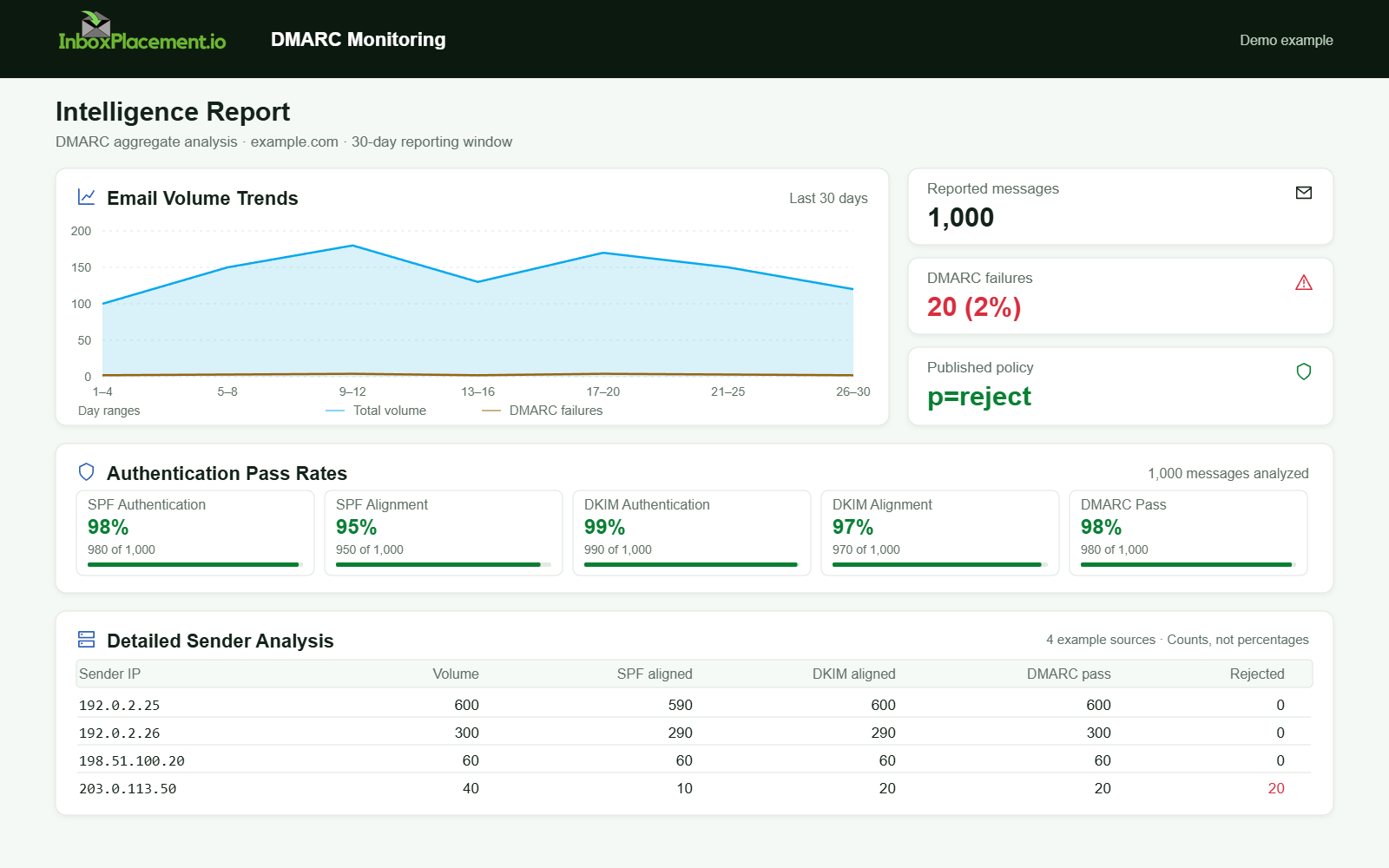
Demo example. DMARC policy and reported outcomes. Synthetic results for feature explanation; not a live test or customer outcome.
Pre‑send spam and inbox‑placement testing across Gmail, Outlook, and Yahoo
Observed evidence
- Seed inbox results showing Inbox vs. Spam vs. Rejected for Gmail, Outlook, Yahoo.
Authentication-Resultsheader in each seeded message.
Likely causes
- Provider filters react differently to content, sender reputation, and complaint patterns.
- A message may pass authentication but still be routed to spam for content or engagement reasons (illustrative).
Recommended actions
- Run a seeded inbox placement test that includes representative Gmail, Outlook, and Yahoo seeds and your actual headers so
Authentication-Resultscan be inspected. - For each seed, capture:
- Delivery outcome (delivered, rejected, or deferred).
- Placement (Inbox/Spam).
Authentication-Resultsheader details.
- Review one full template per target stream (subject, preheader, body, links, images).
- Adjust content, unsubscribe visibility, and
List-Unsubscribeheaders to meet Yahoo’s best practices (e.g., a functioningList-Unsubscribeheader; Yahoo recommends the Post method ormailto:).
Retest criteria
- Seeded tests match expected authentication results and have acceptably consistent placements across providers for the control cohort.
- Any seed that lands in Spam triggers the content and reputation remediation checklist and a retest.
Decision checklist (pre‑send readiness)
| Checkpoint | Owner | When to complete | Pass criteria |
|---|---|---|---|
| SPF record includes all senders and under lookup limits | DNS owner | T‑14 days | Single SPF TXT, includes IPs, no permerror in test |
| DKIM selector present and signatures valid | App owner | T‑14 days | DKIM signature appears and verifies in Authentication-Results |
DMARC published and rua configured (if bulk) | Security owner | T‑14 days | DMARC record exists; do not change enforcement without authorization |
| Seeded inbox test (Gmail/Outlook/Yahoo) | Deliverability owner | T‑7 days | Expected Authentication-Results; no unexpected spam placement in control |
| Audience segmentation and suppression applied | Campaign owner | T‑48 hours | Suppression lists enforced; reactivation flagged for small test only |
| Rollback plan documented and authorized | Business owner | T‑24 hours | Named owners and technical steps documented |
Launch‑day monitoring: deferrals, bounces, complaints, and placement changes
Observed evidence
- Provider responses (deferral codes, bounce messages), complaint and unsubscribe rates, and any sudden change in per‑provider placements.
Likely causes
- Throttling/deferrals for volume control at the provider or upstream MTAs.
- List quality issues producing spikes in hard bounces or complaints (illustrative).
Recommended actions
- Monitor provider signals in real time and by provider cohort (Gmail vs Outlook vs Yahoo).
- Watch for:
- Rising deferral rates for the same IP/domain.
- Increased spam complaint or unsubscribe rates.
- New bounce types or temporary rejections from provider infrastructure.
- If you observe provider‑level rejections or sustained high deferrals, pause and execute the rollback checklist.
Retest criteria
- After any pause and remediation, run a contained retest (small volume to control cohort) and seed tests to confirm
Authentication-Resultsand placement before resuming.
Rollback, retest, and post‑campaign reputation recovery plan
Observed evidence
- Logs of actions taken during rollback, timestamps, and post‑rollback test results.
Likely causes
- A failed remediation or incomplete verification before resuming sends (illustrative).
Recommended actions
- Rollback steps should be quick, documented, and reversible:
- Pause send streams for affected IP/domain.
- Notify stakeholder list and log the incident.
- Run targeted diagnostics: authentication header checks, bounce analysis, complaint review.
- Fix root cause (authentication record, template, suppression) and run a small retest.
- Resume gradual ramp only after retest passes.
- Post‑campaign: continue monitoring DMARC reports, provider dashboards, and complaint/bounce trends for days to weeks to confirm recovery.
Retest criteria
- Small control sends show expected
Authentication-Resultsand seed placements. - Bounce and complaint rates return to pre‑campaign baselines (documented baseline required).
FAQ
Can I temporarily weaken DMARC to avoid rejections during Black Friday?
No. Do not weaken an existing DMARC enforcement policy as a general recommendation. Any exceptional emergency change requires explicit domain‑owner authorization, a narrowly scoped change, a clear time limit, and documented rollback criteria.
Does passing SPF/DKIM mean messages will reach the inbox?
No. Passing SPF/DKIM is necessary for sender validation but does not guarantee inbox placement. Treat authentication results as signals—distinct from receiver disposition and placement.
How long does Gmail’s bulk‑sender classification last?
According to Gmail’s sender guidance, bulk sender status does not expire once assigned; changing sending practices will not remove a permanent bulk‑sender classification. Use Postmaster Tools and the Compliance status dashboard to check alignment with Gmail’s requirements.
Run an InboxPlacement test to verify authentication signals and mailbox placement after applying the recommended changes.
Sources
- Gmail email sender guidelines FAQ — verifies Gmail's bulk-sender definition, classification duration, and sender requirements.
- Microsoft 365 email authentication overview — explains SPF, DKIM, DMARC, and ARC roles.
- Microsoft 365 email authentication troubleshooting — maps common SPF/DKIM/DMARC symptoms to likely causes and investigation steps.
- Yahoo Sender Best Practices — describes Yahoo's authentication, DMARC, spam-rate, and unsubscribe guidance.