
Email Deliverability · Email Authentication · List Hygiene
Email List Hygiene Best Practices for Deliverability
· InboxPlacement.io Team
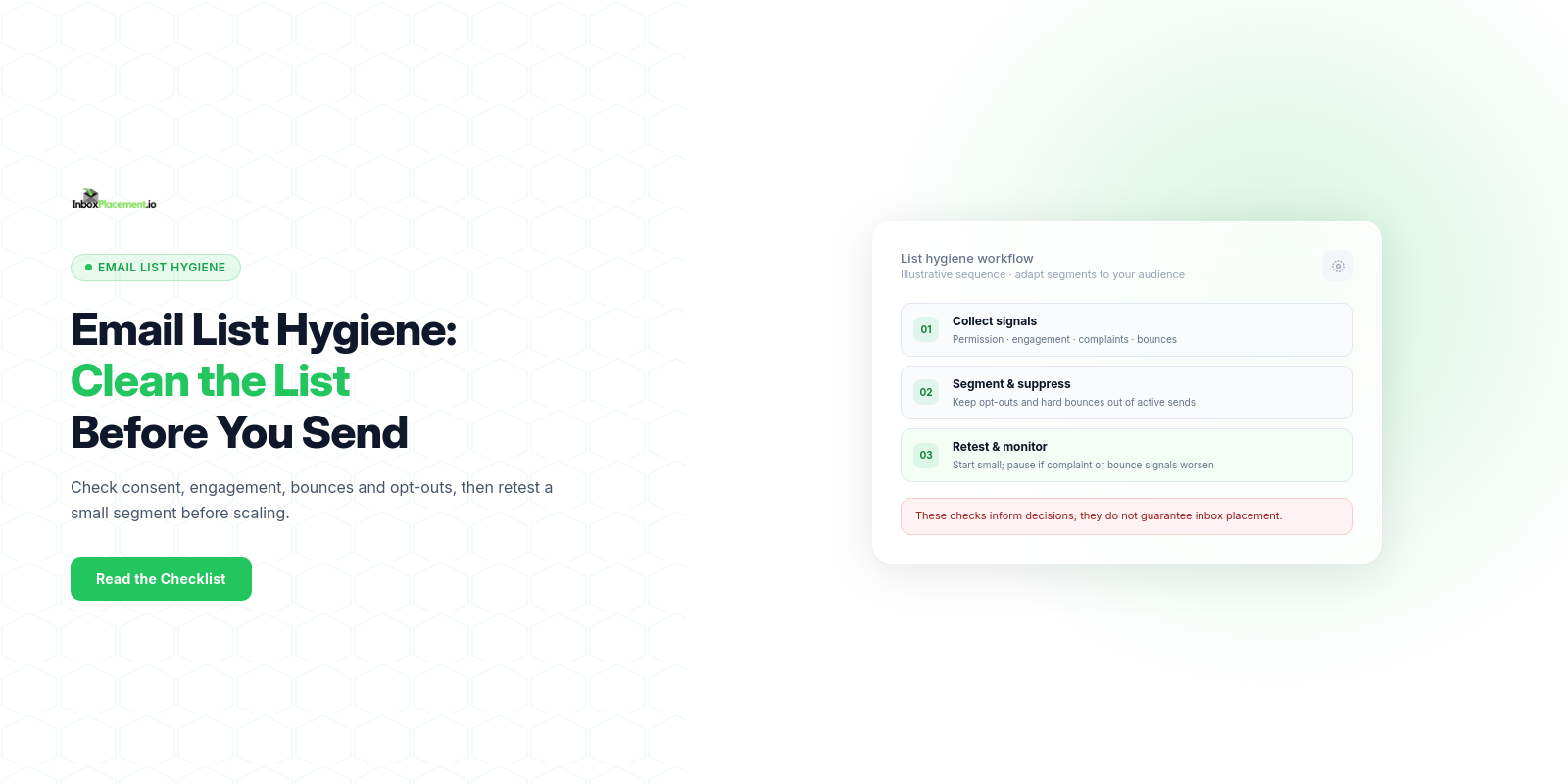
A focused, repeatable checklist pairs authentication, list-status, complaint, and engagement evidence with clear validation gates and retest steps. This makes it easier to assess list hygiene without treating any single signal as proof of inbox placement.
Who this checklist is for and the outcome it supports
This checklist is for senders, deliverability engineers, and campaign owners who manage or send to permissioned email lists and who need to make reproducible changes before a major campaign or ongoing sending. Outcome supported: produce an explicit, auditable sequence of checks and fixes that (a) confirms authentication and list health evidence are collected, (b) applies hygiene actions with rollback criteria, and (c) defines pass/fail gates for retesting. (Illustrative scenarios are labeled where relevant.)
Prerequisites and evidence to collect
Collect these items before you make list-hygiene changes. For each, record the collection date and the export source.
- Sending domains and subdomains in use (list each domain).
- Sending IPs (dedicated and shared), with reverse DNS for each IP.
- Current DNS records for each sending domain: SPF, DKIM selector records, and published DMARC record.
- Authentication check output (for example,
Authentication-Resultsheaders) from recent test messages to representative inboxes. A receiver-added header is a signal, not proof of inbox placement. - Recent complaint and spam feedback data (from your ESP, feedback loops, or provider consoles).
- Engagement segments (last open/click time buckets) and suppression lists.
- Bounce logs (hard vs. soft classification) with timestamps and bounce codes.
- Unsubscribe and list-unsubscribe header behavior (does the header exist; does the link/method work).
- Message samples for campaign types you will run (transactional, marketing, lifecycle).
Collecting evidence does not prove inbox placement or receiver disposition on its own; it only documents the state you will act on.
Step-by-step implementation checklist
Use this ordered checklist. Each step identifies the evidence to collect, possible causes, safe actions, and retest criteria.
-
Verify DNS and authentication baseline
- Evidence: current
SPF,DKIMpublic keys,DMARCTXT, and reverse DNS entries. - Likely causes: missing DKIM selectors, over-broad SPF, no DMARC, or mismatched rDNS.
- Recommended actions:
- Ensure the
SPFrecord authorizes the sending sources for the domain. - Publish
DKIMwith the active selectors and confirm the configured key. - If starting DMARC monitoring, publish a
DMARCrecord such asp=noneand configure a report destination when you want aggregate reports. - Confirm forward and reverse DNS match for sending IPs.
- Do not weaken existing DMARC enforcement policies. Any emergency change must be authorized by a domain owner, scoped narrowly, time-limited, and have rollback criteria.
- Ensure the
- Retest criteria: DNS lookups return the expected records; receiver-added
Authentication-Resultson test messages show the expectedSPFand/orDKIMresults. This does not guarantee inbox placement.
- Evidence: current
-
Segment list by recent engagement and suppression status
- Evidence: engagement segments, suppression lists, and unsubscribe logs.
- Likely causes: large dormant segment, stale addresses, or missing unsubscribe honors.
- Recommended actions:
- Create engagement segments using windows that fit your product lifecycle and sending frequency; the time ranges are not universal thresholds.
- Keep addresses with hard bounces, valid opt-outs, or other policy-defined suppression reasons out of active send segments.
- Confirm the
List-Unsubscribeheader and visible unsubscribe link work, and record when opt-outs are processed.
- Retest criteria: sample messages to each segment show correct header behavior and unsubscribes generate suppression entries.
-
Clean bounces and confirm bounce handling
- Evidence: bounce logs and bounce-code classification.
- Likely causes: retry logic failures, permanent failures not suppressed.
- Recommended actions:
- Remove hard-bounced addresses immediately per your policy.
- For temporary failures, use your ESP or MTA's documented retry policy and define when repeated failures trigger review or suppression.
- Confirm the sending system records bounce disposition and follows the applicable SMTP retry guidance.
- Retest criteria: no recent hard-bounce addresses remain in active send segments; bounce rate checks in your logs match expected behavior (this is internal verification; do not infer inbox placement from bounce reduction alone).
-
Verify unsubscribe and preference flow
- Evidence:
List-Unsubscribeheader presence, a working link or RFC 8058 one-click POST support when required, and unsubscribe processing logs. - Likely causes: missing header, slow unsubscribe processing, or UI errors.
- Recommended actions:
- Implement the header method required for your sender category and mailbox-provider rules. For Gmail bulk senders, one-click unsubscribe is required for marketing and subscribed messages; Yahoo accepts the
mailtomethod and recommends the RFC 8058 POST method. - Place a clear unsubscribe mechanism inside the message body.
- Honor opt-outs within the applicable provider requirements and your stated service level.
- Implement the header method required for your sender category and mailbox-provider rules. For Gmail bulk senders, one-click unsubscribe is required for marketing and subscribed messages; Yahoo accepts the
- Retest criteria: test unsubscribes generate removal entries and confirm via a follow-up notice (if your policy uses confirmation).
- Evidence:
-
Throttle and warm sending patterns if volume or IP/domain changes
- Evidence: historical sending volumes per IP/domain and recent IP/domain changes.
- Likely causes: sudden volume spikes or switching IPs/ESPs without warming.
- Recommended actions:
- When a new IP, domain, or sending pattern warrants a ramp, begin with recipients who have a current permission basis and stronger recent engagement.
- Monitor complaint and bounce trends during ramp.
- Retest criteria: complaint and bounce indicators remain stable or decrease during ramp; otherwise pause scaling and revert.
-
Test representative messages
- Evidence: message samples and receiver-added
Authentication-Resultsheaders from representative test inboxes. - Likely causes: content triggers, bad links, missing authentication alignment.
- Recommended actions:
- Send test messages to seed addresses across Gmail, Outlook/Exchange, and Yahoo.
- Review
Authentication-ResultsforSPF,DKIM, andDMARCresults, along with relevant provider signals. - Review message content for spammy phrasing or suspicious links.
- Retest criteria: receiver-added
Authentication-Resultsshow the intended authentication results and flagged content issues are resolved. An authentication pass is a technical signal, not proof of inbox placement.
- Evidence: message samples and receiver-added
Include this quick decision checklist table to mark readiness before a campaign:
| Checklist item | Evidence required | Minimum validation gate |
|---|---|---|
| SPF record present & lists authorized sources | DNS TXT lookup | SPF record parses and authorizes the intended senders |
| DKIM configured with active selector | DNS TXT lookup for selector | DKIM public key is present and matches the signing configuration |
| DMARC published | DNS TXT lookup | DMARC record exists; if collecting aggregate reports, its report destination is configured |
| Active engagement segment identified | Engagement export | Campaign targets only active or warmed segments |
| List-unsubscribe header present | Sample message headers | Required header method is present and the opt-out flow works |
| No recent hard bounces in target segment | Bounce export | Hard-bounced addresses suppressed |
Mailbox-provider or protocol-specific requirements
Provider requirements vary by sender volume and message type. Recheck the current guidance before changing authentication or unsubscribe behavior.
- Google's Gmail sender guidelines require all senders to use
SPForDKIM, maintain valid forward and reverse DNS, useTLS, and format messages according to RFC 5322. Gmail says senders delivering more than 5,000 messages per day to Gmail accounts must use bothSPFandDKIM, publishDMARC, and align the visibleFromdomain with theSPForDKIMdomain for direct mail. Marketing and subscribed messages from these bulk senders must support one-click unsubscribe. Google also says to keep Postmaster Tools spam rates below 0.3%. - Yahoo's sender requirements and recommendations require all senders to use
SPForDKIM; bulk senders must use both, publish a validDMARCpolicy with at leastp=none, and support one-click unsubscribe for marketing and subscribed messages. Yahoo strongly recommends aruareporting destination, says opt-outs must be honored within two days, and sets a spam-rate target below 0.3%. - Microsoft's email-authentication guidance for cloud organizations describes
SPF,DKIM,DMARC, andARCas related protections against spoofing and phishing.ARCpreserves authentication results through trusted intermediaries; evaluate it for the relevant mail flow rather than treating it as a list-hygiene check.
Keep changes scoped and auditable. Do not weaken an existing DMARC enforcement policy; use p=none as an initial monitoring policy only when it is appropriate for the domain owner’s rollout.
Common mistakes and how to avoid them
Observed evidence, likely cause, recommended safe fix:
-
Missing or misconfigured DKIM selectors
- Evidence: DKIM DNS TXT missing or wrong selector name.
- Cause: selector mismatch after rotation.
- Fix: restore correct selector or add a new selector and test signing; do not delete old keys until rotation completes.
-
Using an overly permissive SPF record
- Evidence: SPF includes broad mechanisms such as "+all" or long include chains.
- Cause: convenience overrides precision.
- Fix: enumerate authorized senders; remove "+all". Use SPF macros/flattening thoughtfully.
-
Ignoring list-unsubscribe header
- Evidence: sample message headers lack list-unsubscribe.
- Cause: template omission.
- Fix: add RFC-compliant header and ensure unsubscribe processing is fast.
-
Rapidly moving large volumes to a new IP or domain
- Evidence: sudden spike in sending volume per IP.
- Cause: migration without warming.
- Fix: ramp slowly to high-engagement recipients first; monitor provider consoles.
Illustrative risk scenario: a dormant segment may have stale addresses and weaker engagement. Do not automatically send a broad re-permission campaign; first confirm there is a valid basis and recipient expectation for that message. Otherwise, suppress the segment. If a limited re-confirmation is appropriate, keep it scoped, monitor complaints and bounces, and stop if the signals worsen.
Validation and retest criteria
For each validation gate, separate what the check shows from what it cannot prove.
-
Authentication gates
- What the check shows: DNS records exist and a receiving system reports
SPF,DKIM, orDMARCresults inAuthentication-Results. - What it cannot prove: a specific Authentication-Results pass does not guarantee inbox placement or consumer engagement.
- Retest action: after fixes, send test messages and collect receiver-added
Authentication-Resultsfrom multiple providers; allow for DNS TTLs.
- What the check shows: DNS records exist and a receiving system reports
-
List and bounce gates
- What the check shows: suppression lists are applied and bounce logic removes hard-bounced addresses.
- What it cannot prove: removing bounces does not by itself assure mailbox placement.
- Retest action: send to a small warmed cohort and monitor complaint and bounce characteristics for stability.
-
Content gates
- What the check shows: filters did not flag the sample message as suspicious in your seed tests.
- What it cannot prove: provider filters are dynamic; seed tests are indicative, not definitive.
- Retest action: iterative tests after content changes and before wide sends.
Document pass/fail thresholds and a rollback plan. For example, repeat a seed test and compare authentication observations, suppression changes, complaints, and bounces over a defined observation window before scaling. Choose the window for your sending cadence; it is not a universal threshold.
Ongoing monitoring and maintenance
Use a predictable schedule and adapt it to sending volume and risk:
- Daily: monitor complaints, bounce trends, and key provider console signals.
- Weekly: review DMARC rua reports and authentication anomalies.
- Monthly: review engagement segments and remove dormant addresses according to policy.
- After any infrastructure change (new ESP, IP, templates, domain): run full checklist and seed tests before resuming normal volume.
Set automated alerts for sudden spikes in hard bounces, complaints, or DMARC failures. Keep a change log for DNS or sending infrastructure edits with author, timestamp, and rollback steps.
FAQ
How does an Authentication-Results header relate to deliverability?
Authentication-Results is the exact header name receivers often add to indicate SPF/DKIM/DMARC outcomes. It documents receiver observations about authentication checks but does not prove where a message ultimately lands (inbox vs. spam). Use it as a required signal in your audit record, not as sole proof of placement.
Can I set DMARC to p=none while testing?
Yes. Publishing DMARC with p=none and rua reporting is a common initial step to collect reports without enforcing quarantine or reject actions. Do not weaken an existing stricter policy without explicit domain-owner authorization, narrow scope, and a clear rollback plan.
Are authentication fixes alone sufficient?
No. Authentication (SPF/DKIM/DMARC) is necessary but not sufficient. List health (bounces, complaints, engagement), content quality, and sending patterns also affect mailbox-provider signals.
CTA: After applying appropriate list and authentication changes, use an InboxPlacement inbox placement test to review test-message placement and authentication signals. These checks do not predict every recipient's mailbox outcome.
Sources
- Gmail email sender guidelines
- Yahoo sender requirements and best practices
- Microsoft email authentication in cloud organizations
- RFC 8058: Signaling One-Click Functionality for List Email Headers